


The ear training hub has eight separate drills on it: intervals, note identification, chord quality, scale and mode, solfège, rhythm, sight-reading, and chord progressions. That's a lot to open on day one and a reasonable way to quit by day three. Here's an order that spreads them over four weeks instead, ten minutes a day, without needing an account to start or to keep your progress.
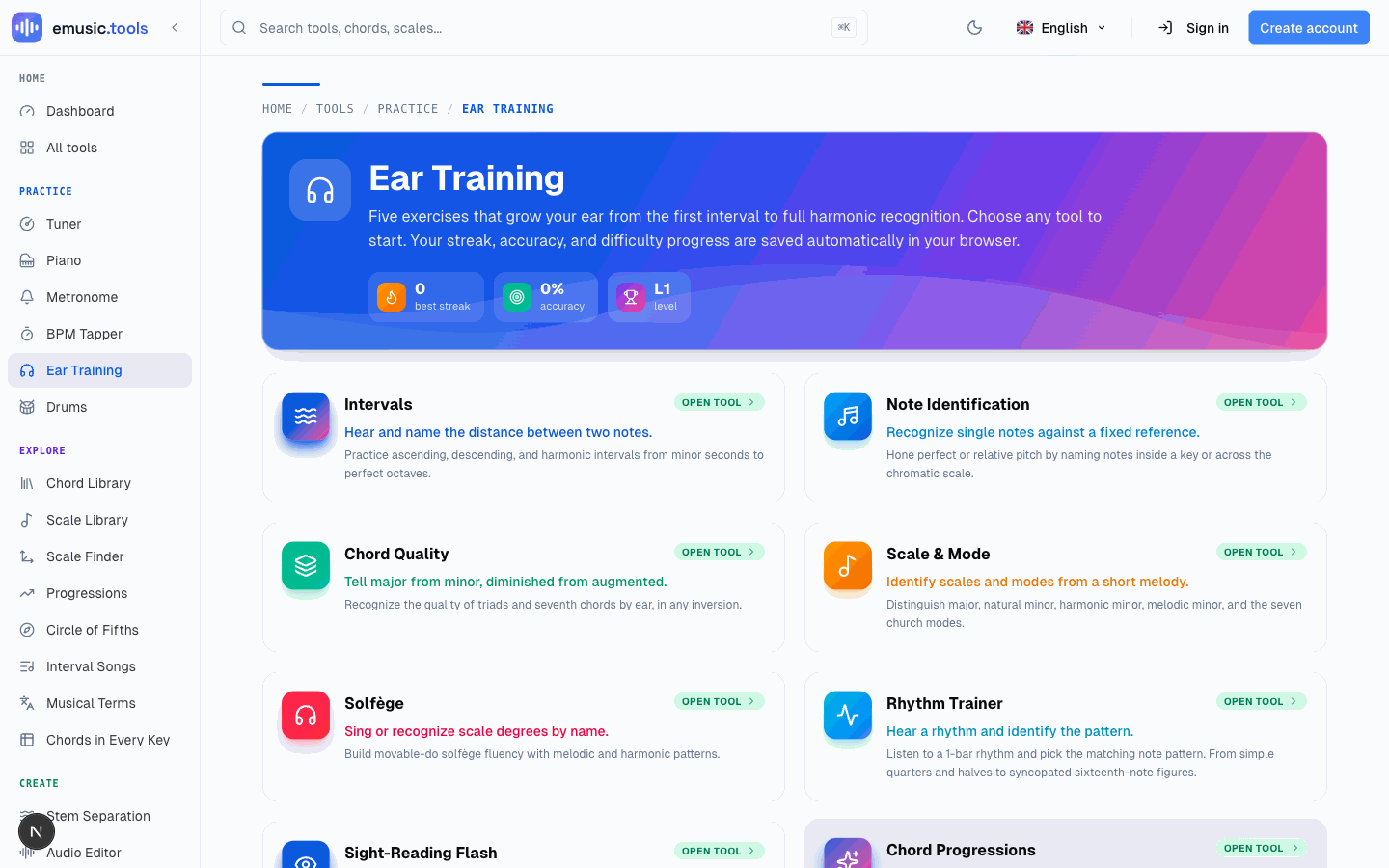
Week 1: intervals, the one everything else leans on
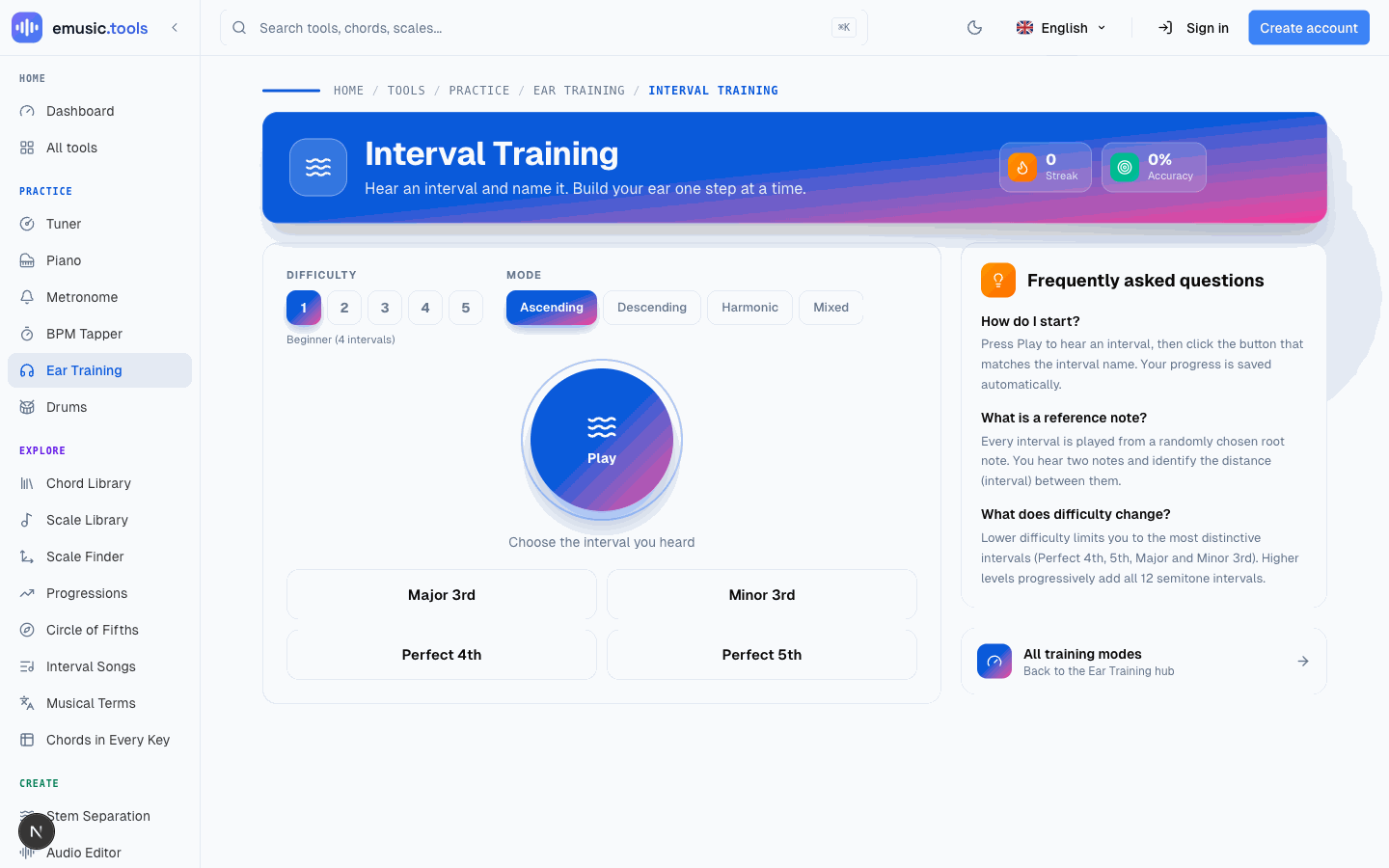
Open interval training and the loop is the same every time: press Play, hear two notes played from a random root, pick the interval that separates them. Difficulty 1 limits the choices to four of the most distinctive intervals (perfect 4th, perfect 5th, major and minor 3rd); each level adds more of the twelve to the pool, though every question still gives you four buttons. Four modes control how the notes arrive: ascending, descending, harmonic (both at once), and mixed.
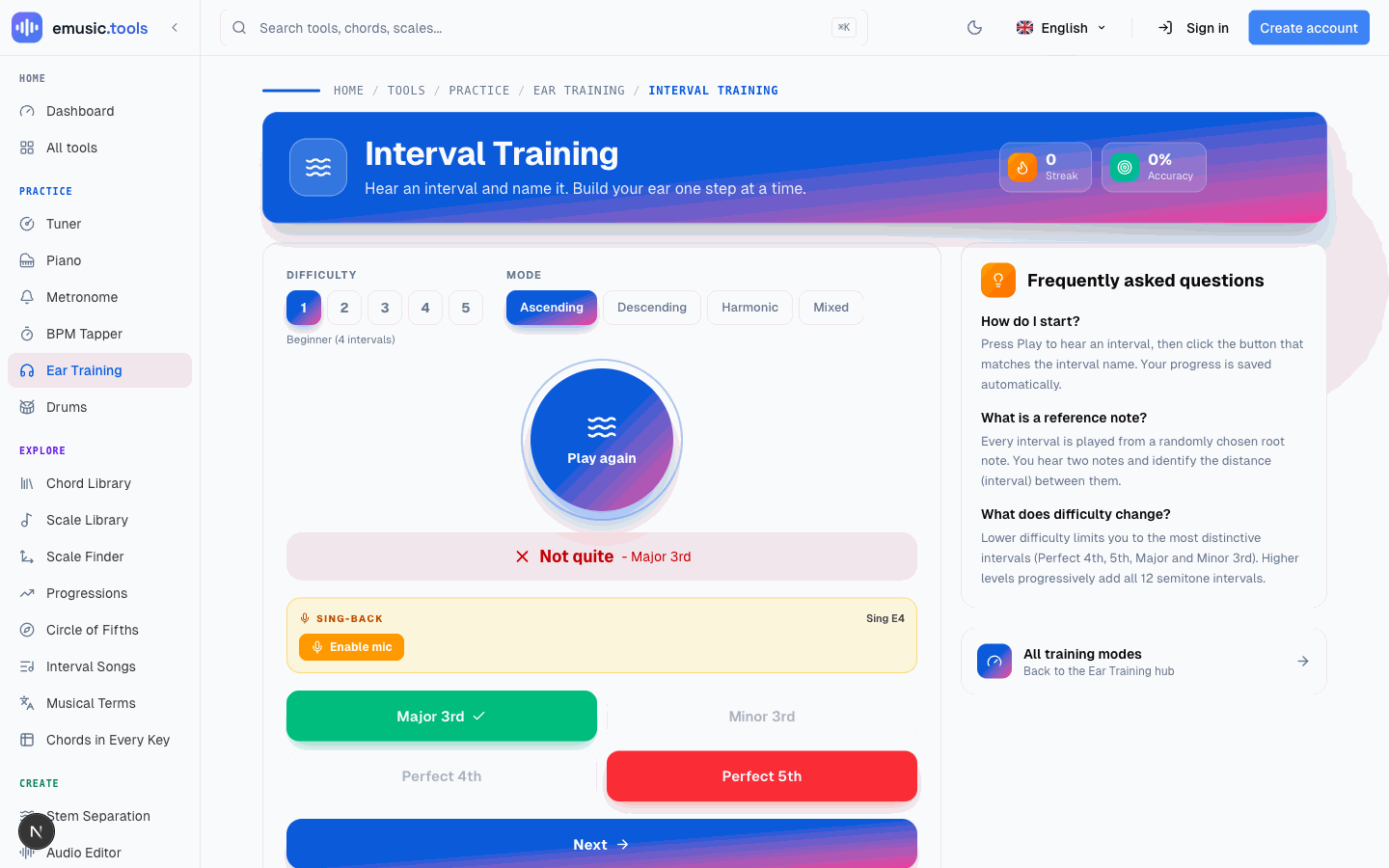
Answer, and the page marks the button you picked green or red and reveals the right one, with a Sing-Back panel offering to let you sing the target note back through your microphone instead of just clicking. Streak and accuracy update in the header immediately, both stored in your browser without needing to sign in first.
Stay on difficulty 1 and ascending mode until the four intervals stop feeling like guessing, then add descending, then harmonic. Rushing to level 5 in week one just means relearning the easy intervals later at a level where everything else is also hard.
Week 2: what a chord sounds like before you can name every note in it
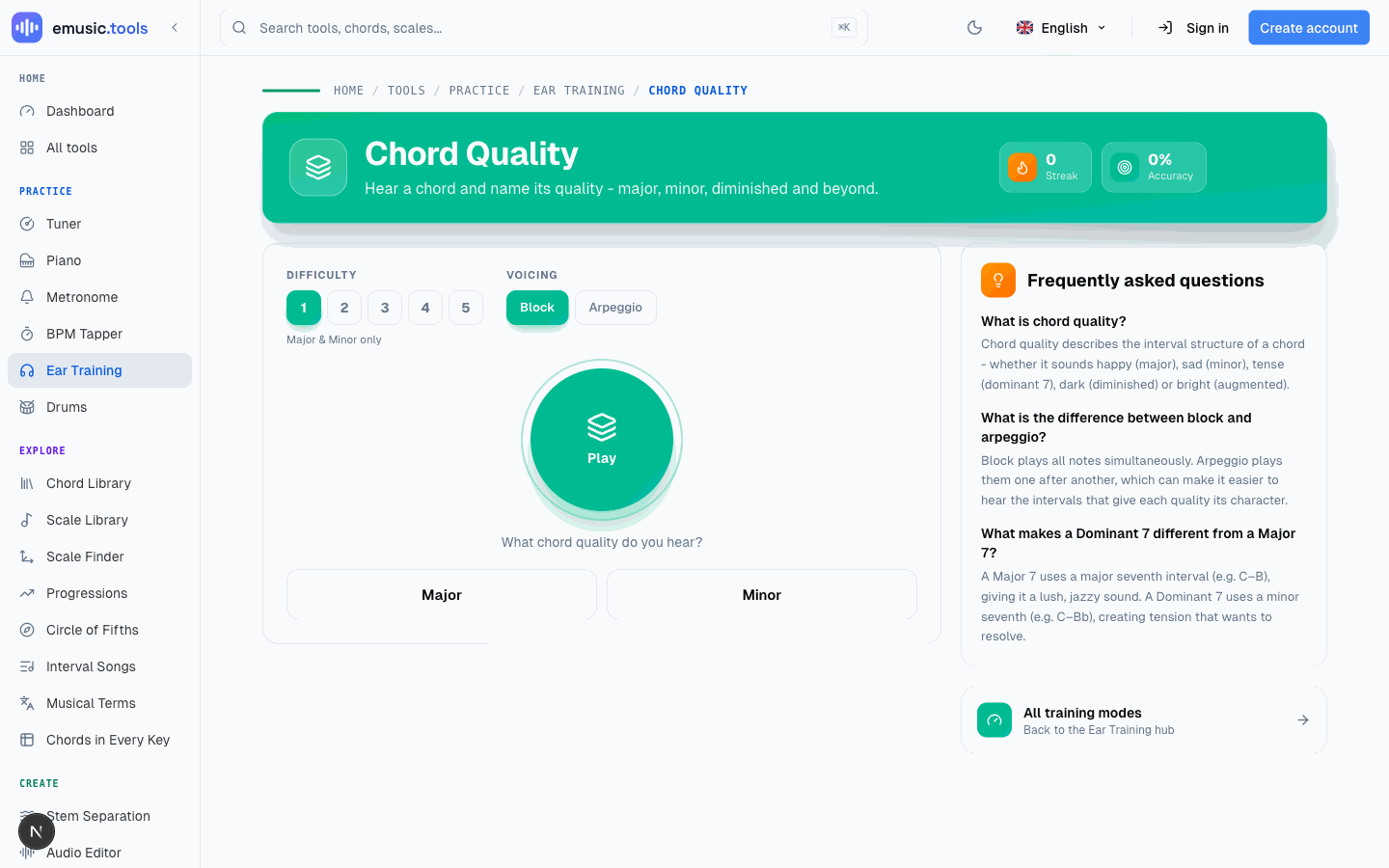
Move to chord quality: same play-and-pick shape, but now the question is the chord's quality. Level 1 is just major or minor, then diminished and augmented join in, then seventh chords (three kinds at level 3, five from level 4), with inversions only at level 5. It's the skill that turns "something happened in that song" into "that's a minor chord" without stopping to spell out individual notes.
If singing is more your thing than clicking buttons, solfège covers the same week from a different angle: hear a note and name its scale degree (Do, Re, Mi...). The tonic is middle C (C4) unless you set it to move, so each syllable lands on the same note, as in fixed do. The Sing-Back option from intervals works here too. Either one, or both, is a reasonable week 2.
Week 3: rhythm and reading, off the "just pick the right sound" pattern
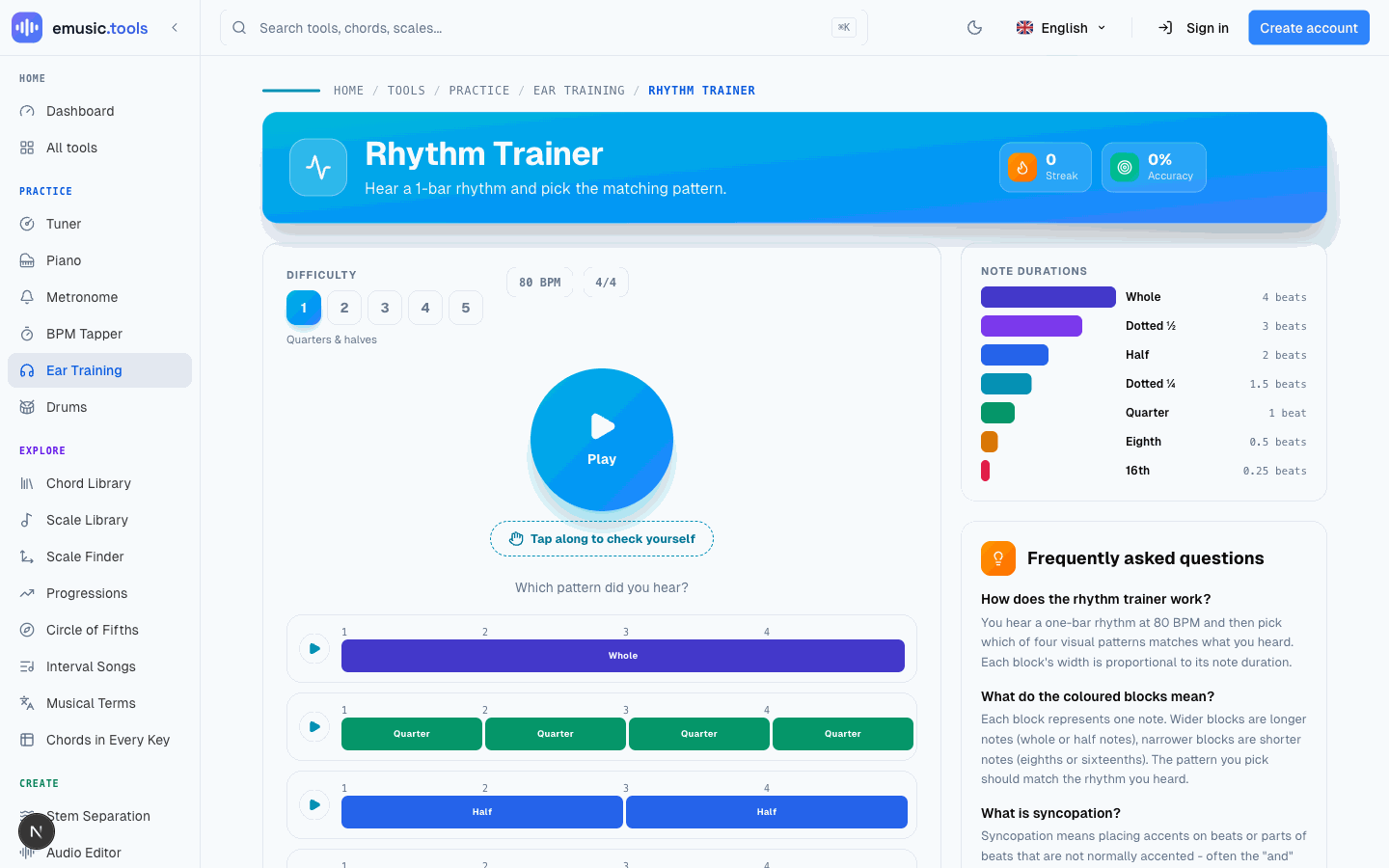
Rhythm training breaks the format: instead of naming what you heard, you're matching a one-bar pattern at 80 BPM against four visual options built from note-duration blocks, wider for longer notes, narrower for shorter ones. The "Tap along to check yourself" button plays the bar again and counts how many of its notes your taps hit before you commit to an answer, which is worth using even after the pattern feels obvious, since tapping and recognizing are different skills that happen to look similar.
Sight-reading flash is the other half of week 3: a note appears on the staff and you tap its letter name before a countdown runs out. Five difficulty levels move from notes sitting comfortably on the staff up to ledger lines and both clefs mixed together.
Week 4: putting it together
Chord progressions asks you to name the Roman-numeral pattern behind a looping phrase (four chords up to level 4, up to eight at level 5), drawn from 30 progressions spanning pop, jazz, minor and modal harmony. Scale and mode plays a full scale, up or down, and asks which of fourteen it was: major, the three forms of minor, Dorian, Phrygian, Lydian, Mixolydian, Locrian, the two pentatonics, blues, whole tone or chromatic. Both ask you to hear structure across several notes instead of judging one interval or chord in isolation, which is why they sit last: they lean on everything from the first three weeks.
The habit layer: streaks, daily challenges and one suggestion a day from the coach
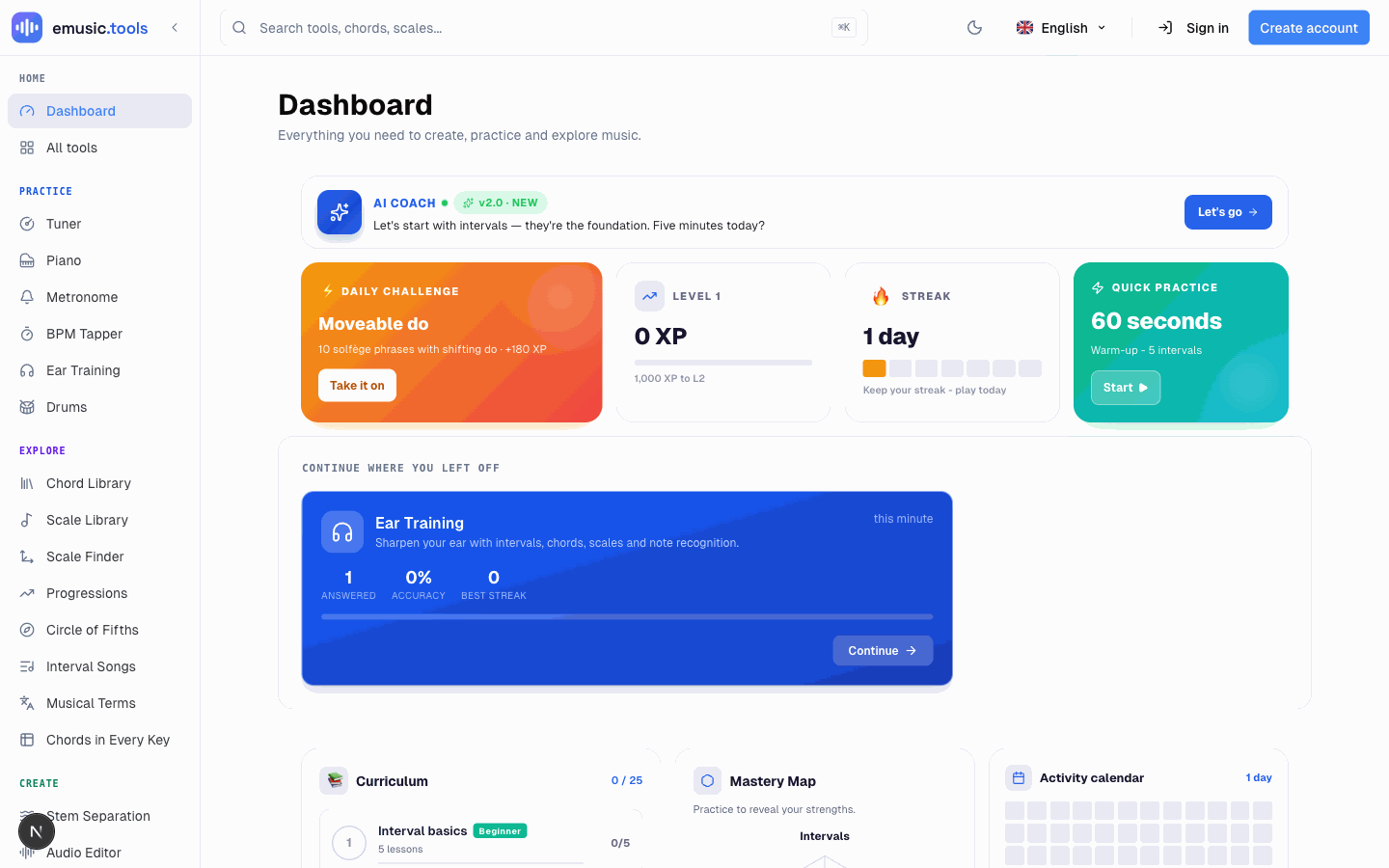
Every trainer tracks its own streak and accuracy locally, and the dashboard adds three daily challenges (the hub's "For today" card shows them too), an XP level, and an AI Coach card that looks at your weakest area and suggests what to work on next. With no history it opens on a starter line ("Let's start with intervals"), and once you've put in some practice it gets specific (the message refreshes once a day). None of it needs sign-in to work: everything is saved in your browser from the first answer. Create an account and your answers, your daily streak and the daily challenges you've finished follow you to other devices. The new device rebuilds your XP and level from them, so the bonus for a day's first session and the XP for singing a note back stay where you earned them, and so do each trainer's own streak and accuracy.
There's no reset button yet, so if a level feels wrong, click a different number in the Difficulty row. It's saved as soon as you pick it. When you're ready for day one, open the ear training hub and start with intervals.


