


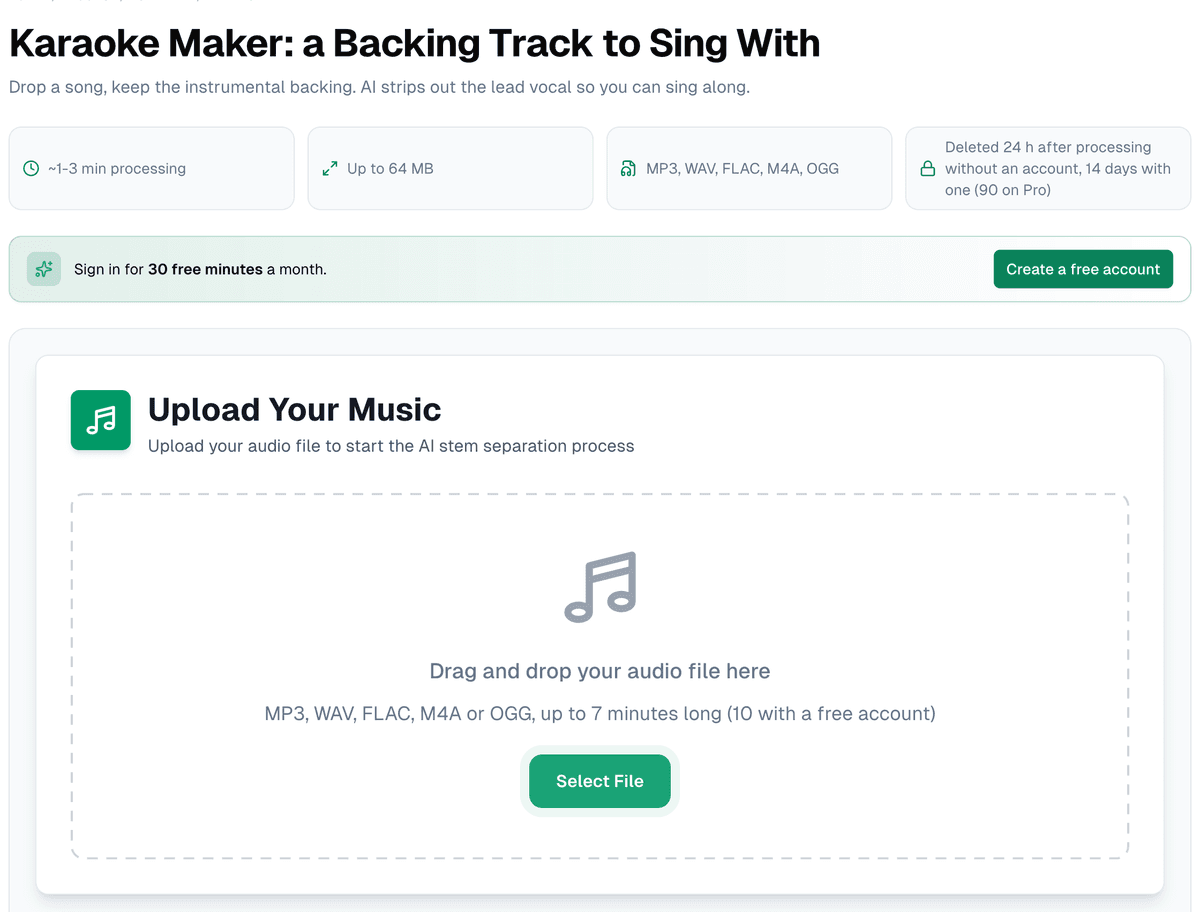
Set expectations first, because this is the thing most people searching "karaoke maker" get wrong: the karaoke maker isn't a karaoke player with a bouncing ball. It does one job: you upload a song, and it hands back the band with the lead vocal muted, on a practice screen where you sing over it. Once the server has written out the words it hears on the vocal, a "Words" button shows them there too, with the line being sung highlighted. That's a practice aid, not a lyric file, and for karaoke software with lyric sync the page's own FAQ still points you to a CDG or MP3+G tool.
What actually happens to your file
Under the hood this page runs an AI source-separation model that splits the song into four stems: vocals, drums, bass, and everything else (guitars, keys and effects together). The practice screen then opens by itself with the vocal lane muted, under a label that reads "Karaoke: vocals muted", and "Turn the vocals on" brings the voice back for a line you want to check. It isn't a phase-cancellation trick or an EQ notch. It's a model that was trained to recognize what a lead vocal sounds like inside a full mix and subtract it.
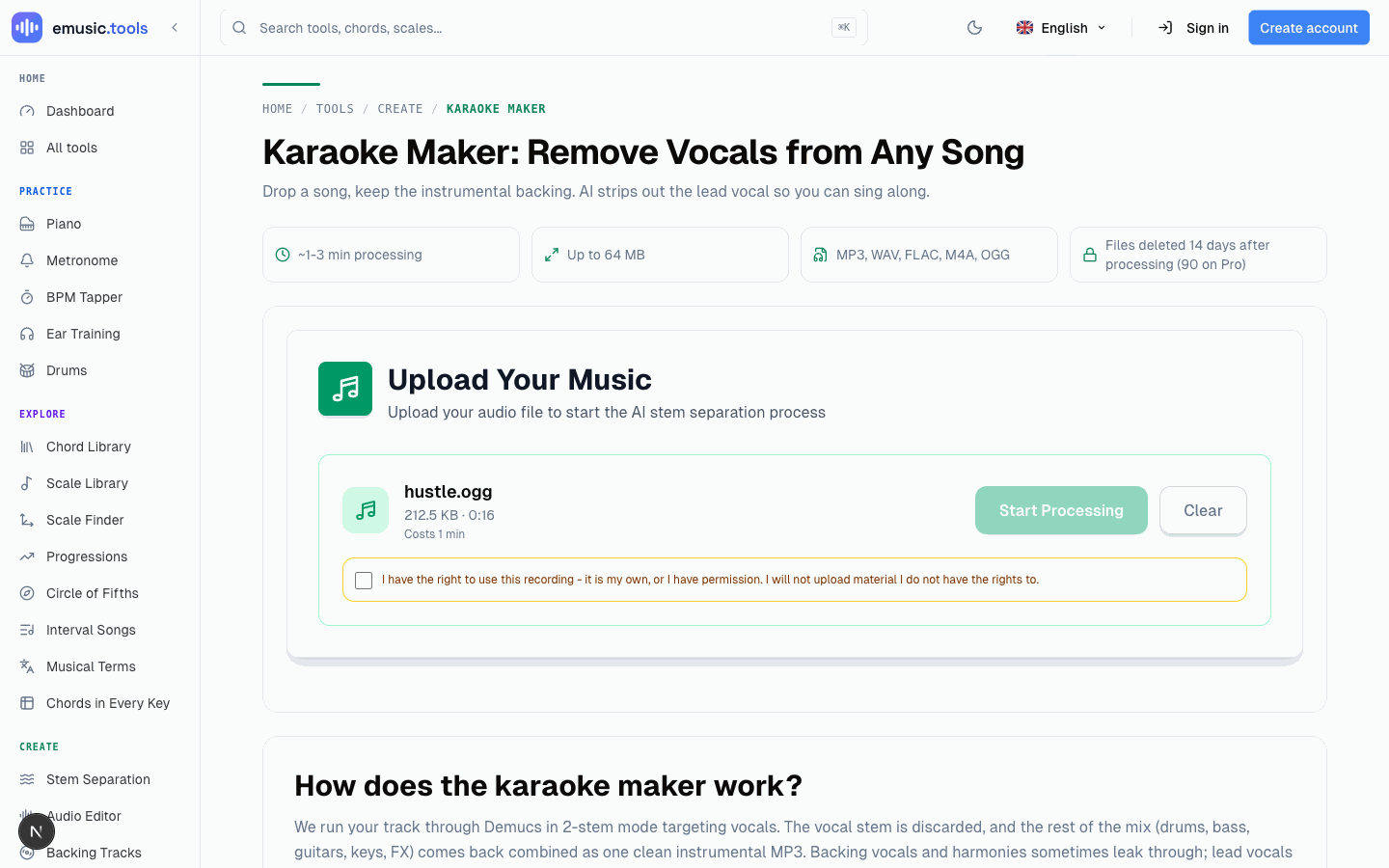
The first time you pick a file in a browser, a checkbox asks you to confirm you have the right to use the recording (it's your own, or you have permission), and Start Processing stays locked until you tick it. The browser remembers your answer, so it doesn't ask again.
To play the backing track through a speaker, open "Download": its first item, "Backing track without vocals", mixes the three band stems into one MP3. Like every file on that screen, it needs a free account.
What still leaks through, and what helps
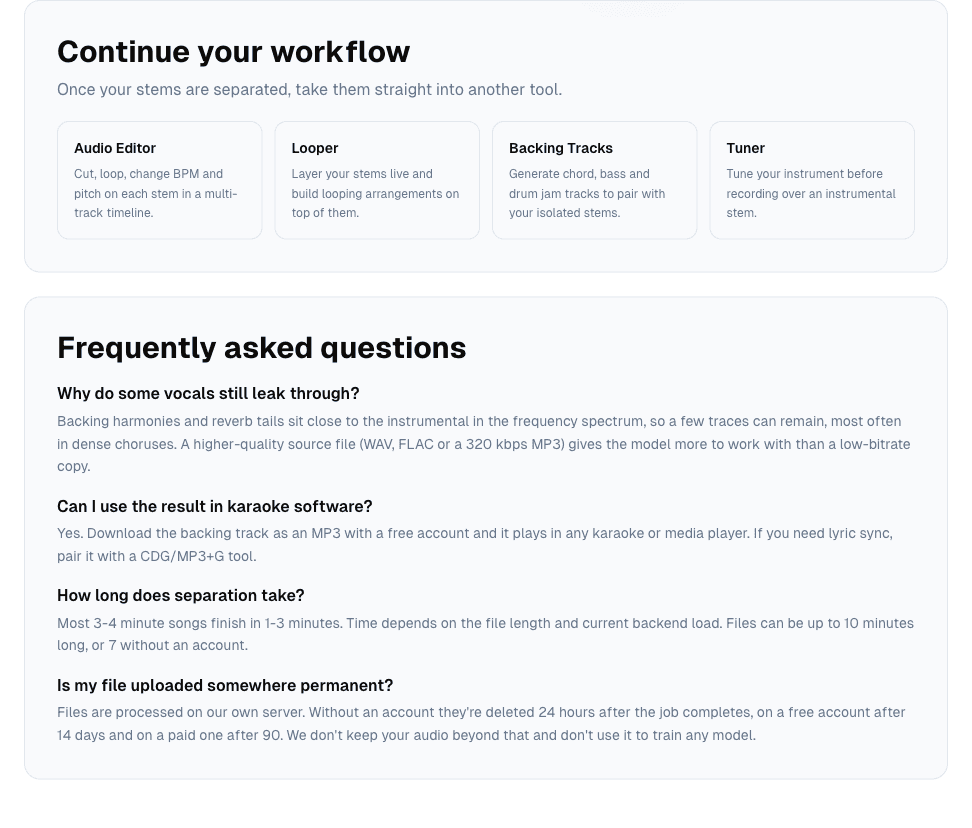
Backing harmonies and reverb tails sit close to the instrumental in the frequency spectrum, so a few traces of them can survive the separation even when the lead vocal is gone cleanly. The FAQ says you'll hear it most often in dense choruses. That's normal, not a bug, and the page says so instead of pretending the tool is perfect.
What the FAQ suggests is starting from a better file. A WAV, FLAC or 320 kbps MP3 gives the model more to work with than a low-bitrate copy, so if you have the song in better quality, upload that one. There's nothing else to adjust here anyway, since the karaoke maker locks itself to the four-stem split and hides the mode picker.
A song heavy on background vocals, group harmonies, or a live recording with vocal bleed into other mics will leak more than a clean studio pop track with one lead singer. That's a property of the source audio, not something a setting on this page can fix.
Limits and timing
Uploads top out at 64 MB, in MP3, WAV, FLAC, M4A or OGG. Without an account a song can run up to 7 minutes and you get one separation a day; signing in raises the length to 10 minutes and gives you 15 free minutes a month. Most 3 to 4 minute songs come back in 1 to 3 minutes.
Free versus paid, precisely
The difference isn't separation quality: the same model runs the job either way. What changes is how many minutes you get (15 a month free, more on Pro), how long the stems are kept (24 hours without an account, 14 days on a free one, 90 on Pro), whether you can download at all (you need a free account for any file), the file format (MP3 free, WAV on Pro) and your place in the queue when the backend is busy. So Pro doesn't buy a cleaner separation, just a lossless file of the same one.
The mirror page: keeping the vocal instead of losing it
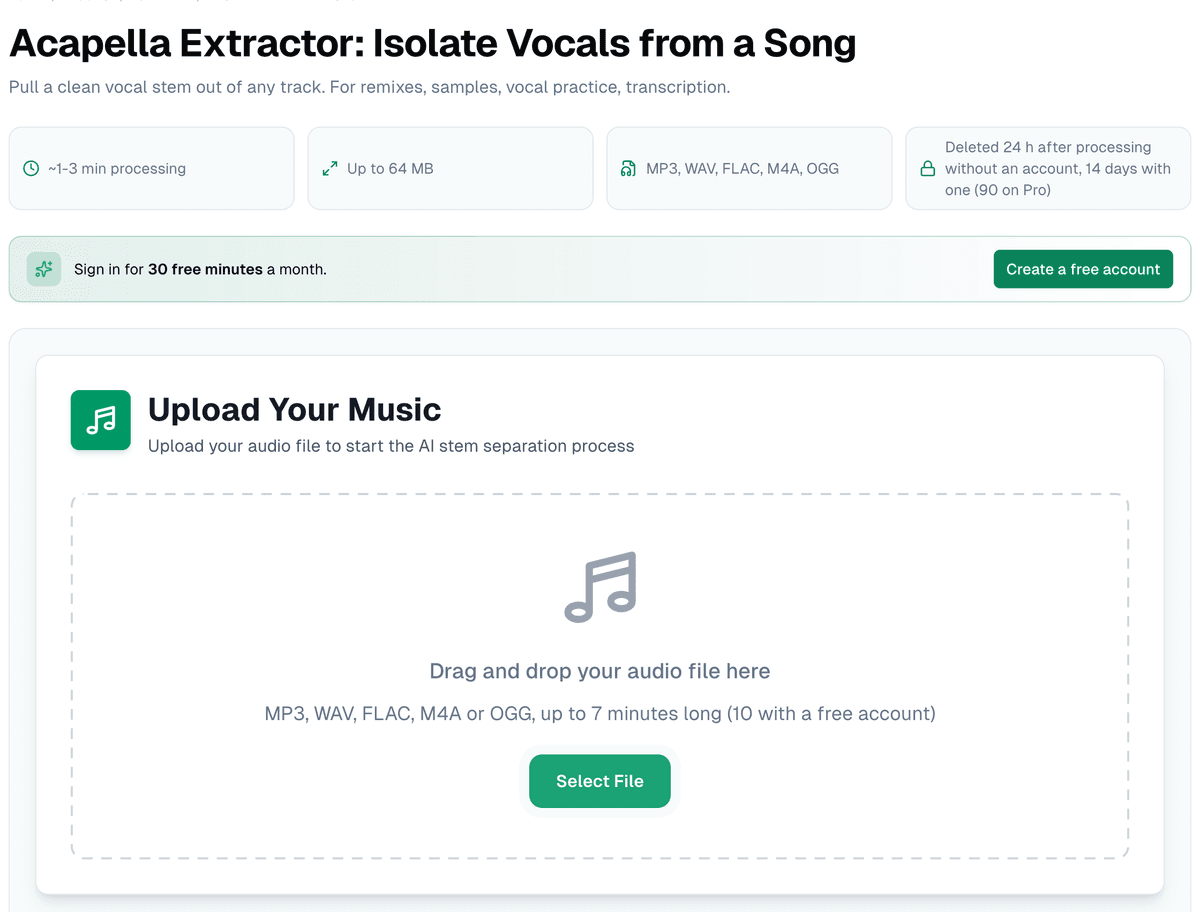
The acapella extractor is the same separator with the other half on top: the practice screen opens with only the voice playing and the band muted under it. It's the page for learning a vocal part, sampling, or checking your own pitch against the original singer, with the same upload flow, the same limits and the same four-stem split.
The practice screen already loops a chorus and moves the tempo and the key. After that, the next stop is usually the looper to sing over the track live, or the audio editor ("Open in the editor" on the same screen) if the arrangement needs trimming before it's ready to sing along to.
Drop a song into the karaoke maker and get a backing track to practise with.
Cover photo: studio microphone and pop filter, by Audio Mix House, CC BY 2.0, via Wikimedia Commons, cropped and resized.


.jpg)