


Solo the guitar stem of a separated song and now and then you'll hear a ghost of the hi-hat, or a smear of keyboard under the chords. That leftover is bleed. Every separator has some, the stem separator here included, and once you know where it comes from it gets a lot less annoying.
Where bleed comes from
A finished mix is a single waveform. By the time a song is mastered, the guitar, the keys and the vocal aren't stored anywhere as separate things: they've been added together, sample by sample. A separation model like Demucs, which runs behind this tool, has been trained on multitrack recordings to know what each instrument tends to sound like, and it estimates, moment by moment, how much of the mix belongs to which.
When two instruments play in different registers, that's easy. When they overlap, the model has to make a call. A guitar chord and a piano chord on the same notes share most of their frequencies; a bass note sits right on top of the kick. Those are the spots where a bit of one instrument ends up in another's stem.
What it looked like on two of our songs
We ran two of our own recordings, Mgła and Ślad by 3Biegun, through the same six-stem Demucs model the site uses and measured the loudness of every stem. Ślad has no piano. Its piano stem came back as a flat line: -65 LUFS, against about -12 LUFS for the vocal stem, which is as good as silence. So the model didn't invent a piano that wasn't there. Bleed is about what is there, and where it overlaps.
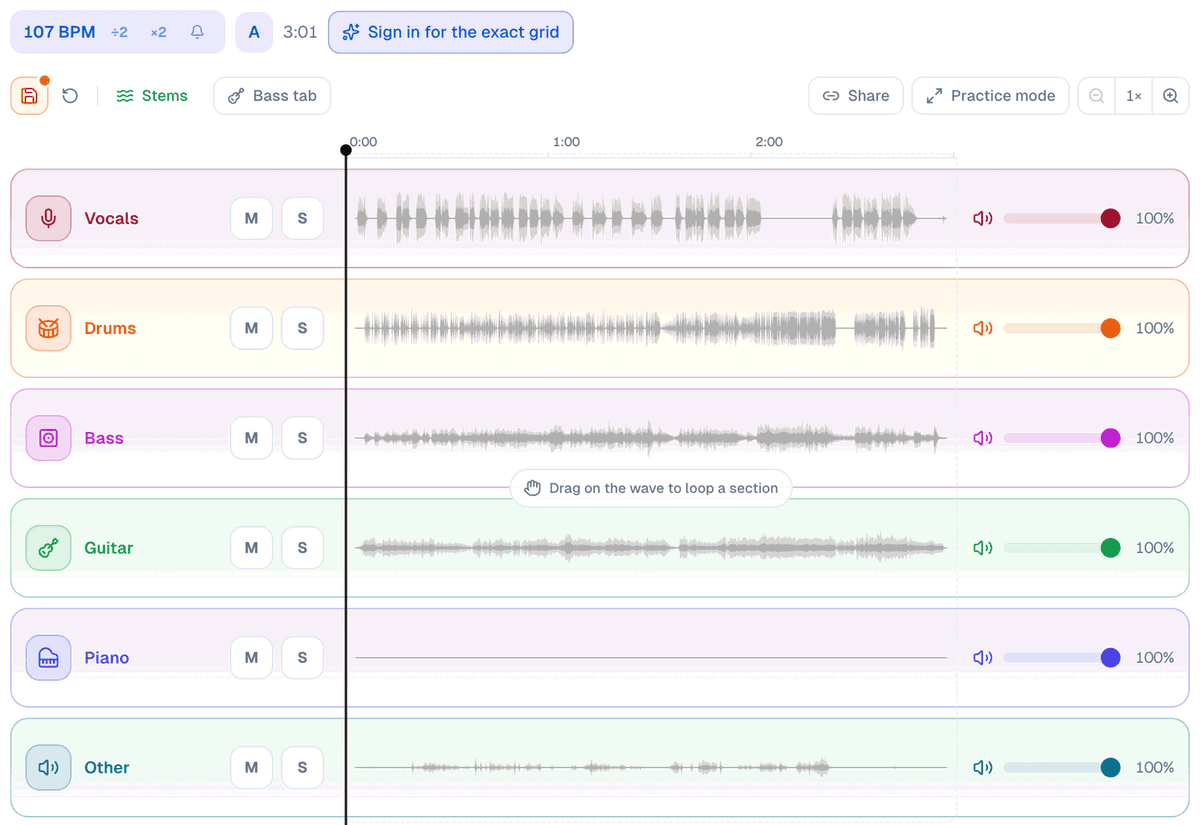
The six-stem model has one known weak spot, and its authors say so. They call it experimental and say the piano source shows "a lot of bleeding and artifacts", while the guitar holds up. That matches what you hear when you solo the piano on a song that has one.
Five ways to practise around it
- Listen to the backing as a whole. Bleed shows when a stem plays solo, but when you practise you mute your part and play over the rest, and with four or five stems playing together most leftovers are covered.
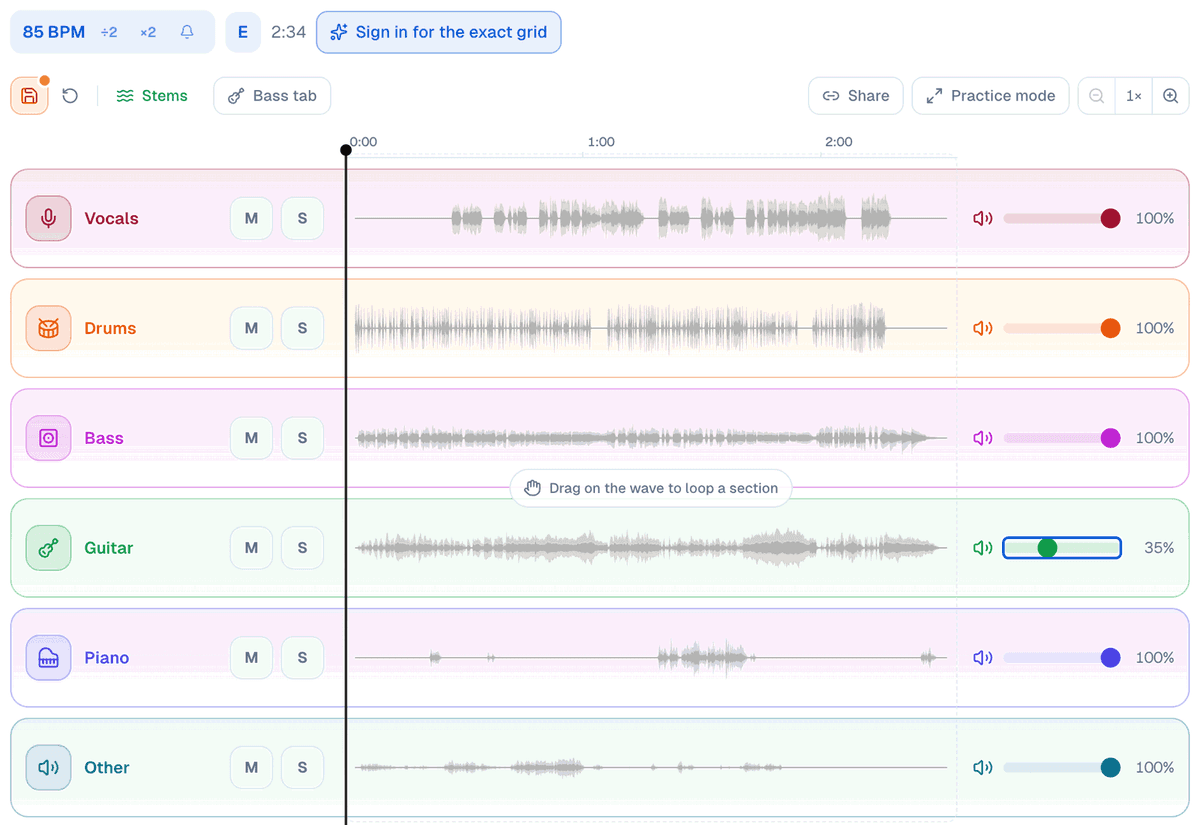
- Turn a stem down instead of off. Every lane has its own volume, and if a stem you want gone takes a bit of something else with it, bring it down to 30 or 40% instead of muting it: the harmony is still there, and the recorded part is quiet enough to play over.
- Pick the split the job needs. Four stems keeps the piano and the guitar together in "other"; six splits them, and the new piano lane is the least clean of the six. If you don't need the piano on its own, four stems means one less lane to worry about.
- Start from the best file you have. The separator takes WAV and FLAC as well as MP3. A heavily compressed file has already thrown away detail the model could have used.
- Use a soloed stem as a reference. A stem with a little bleed is still the clearest view of one part you'll get. Solo it to hear what the part does, then mute it and play.
What bleed doesn't touch
It doesn't touch timing. Every stem is cut from the same mix, so they stay locked together, and slowing the song to 75% on the practice screen slows all of them at once without moving the key. Bleed changes how a stem sounds on its own, not where the notes fall.
The quickest way to get a feel for it: split a song you know well in the stem separator, solo each lane for ten seconds, then play them all together and listen to how much of it goes away.


