


Staff Paper is six blank layouts and a print button. There's no account, no settings drawer and no file to wait on. Pick a variant and the preview on the page switches to a full sheet of that staff, ready to print or save as a PDF from your browser.
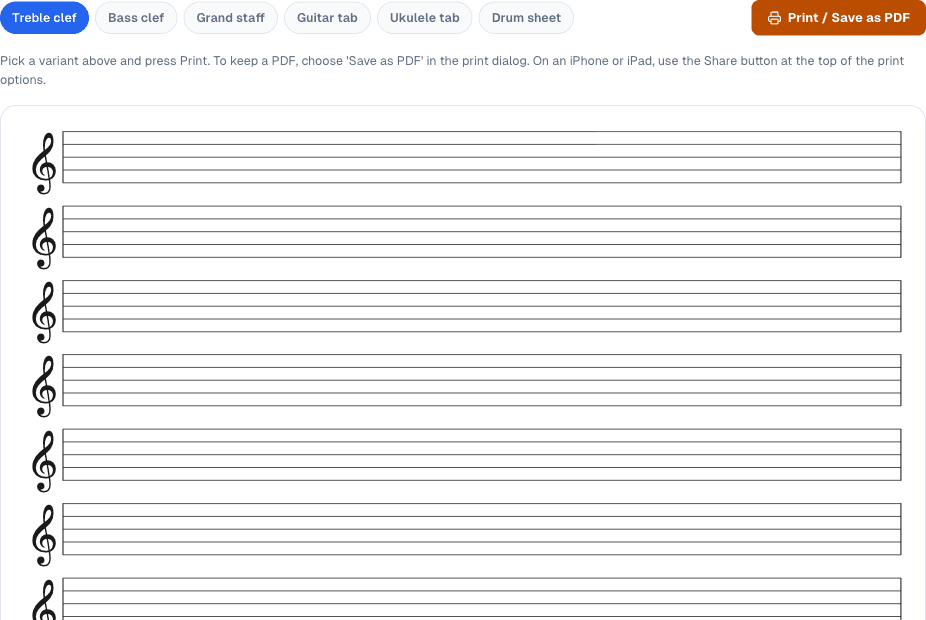
Each layout has the line count of the instrument it's for, not one generic grid. Treble and bass clef get a standard 5-line staff, guitar tab gets 6 lines for the six strings, ukulele tab gets 4, and the drum sheet is a 5-line staff with the percussion clef, a pair of short vertical bars. None of them draws a time signature, a key signature or barlines other than the ones closing each staff at the left and right ends. It's blank paper with nothing pre-filled.
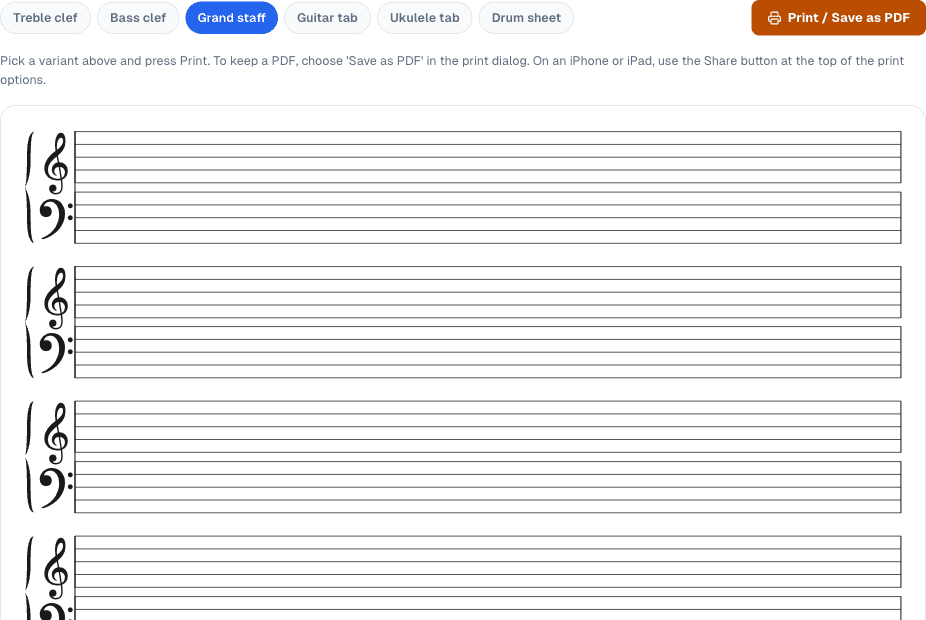
Grand staff stacks two full staves per system
Pick "Grand staff" and each row becomes a treble staff directly above a bass staff, joined the way piano music is written, with a brace at the left and a line running down through both staves.
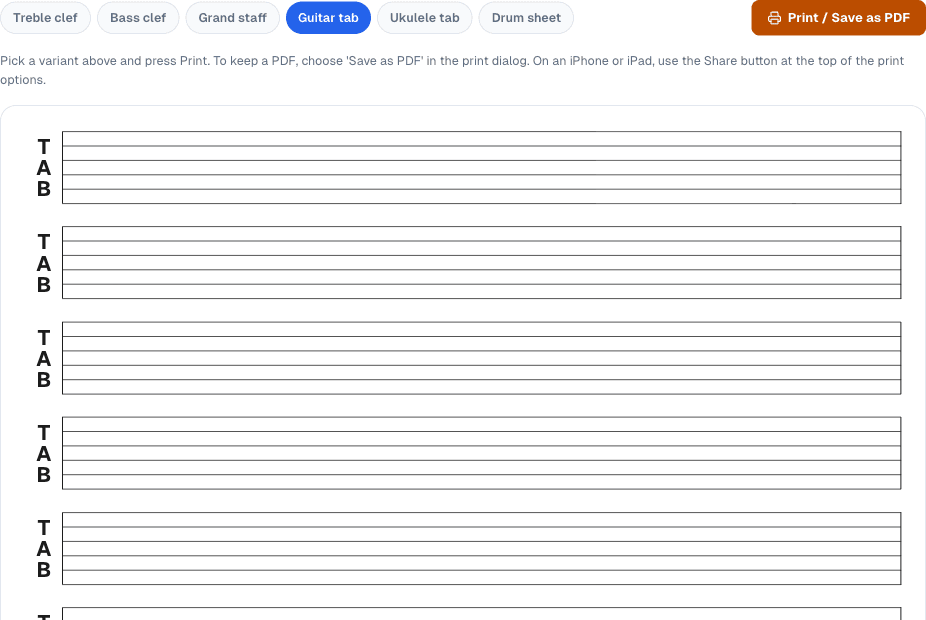
Guitar tab gets six lines and a T-A-B label, not a clef
Tab doesn't use a musical clef: the guitar variant prints the letters T, A and B stacked vertically at the left of each 6-line system instead of a treble or bass symbol, since tablature identifies strings and frets rather than pitches on a staff.
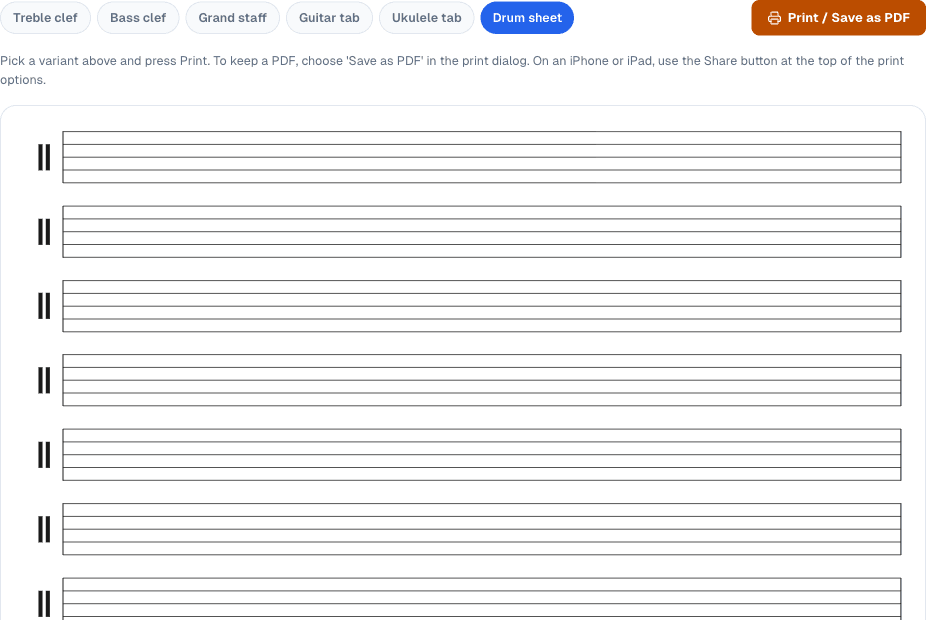
The drum sheet carries the idea over to percussion: still 5 lines, with the two-bar percussion clef in place of the T-A-B letters.
"Save as PDF" is your browser's job, not this page's
The tool has no PDF library, and the app never generates or serves a file. The "Print / Save as PDF" button calls your browser's own print function, and the destination picker in that dialog is what writes a PDF if you choose it. The hint under the button says so: pick a variant, click print, then choose "Save as PDF" as the destination in the dialog that opens. The staves stretch to the width of the page, while line spacing and the number of rows stay fixed. The sheet is scaled so each layout prints on one page, on A4 or on Letter. On an iPhone or iPad, the Share button at the top of the print options is what saves the PDF.
Nothing is saved between visits: reload the page and it goes back to the treble clef view. If you need several layouts, switch the variant and print again. The Staff Paper page never asks you to sign in and has no print limit.


