


A drum machine sounds complicated until you've looked at one. The beat machine is a step sequencer: eight rows, sixteen steps in a row by default, and every step is either silent or a hit. Click a few of the right steps and the loop plays itself back, at whatever tempo you set, for as long as you leave it running. Here's how to program a beat worth keeping, not just prove that the grid works.
The grid is the whole idea
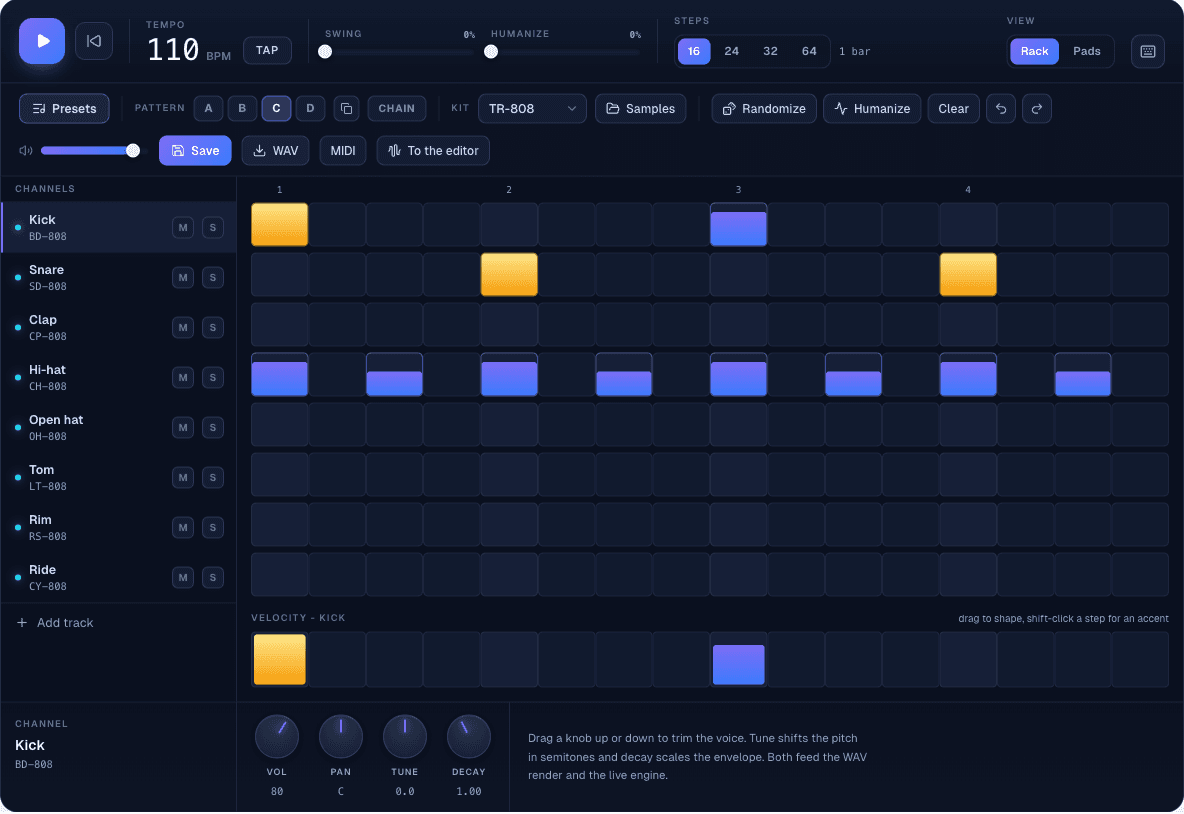
Load the page and eight voices are already sitting there: kick, snare, clap, hi-hat, open hat, tom, rim and ride, one row each. Sixteen columns run left to right across a single bar, and step one, at the far left, is where "the one" of the bar lands on every row. Click an empty step to place a hit, drag across a row to paint several at once, and the numbers above the grid mark where each beat starts.
Steps aren't fixed at sixteen. The buttons above the grid switch the pattern to 24, 32 or 64 steps, a bar and a half, two bars or four bars of the same sixteenth-note grid, which comes in handy once a pattern needs a turnaround or a fill at the end rather than a single loop.
Basic rock: the first pattern worth keeping
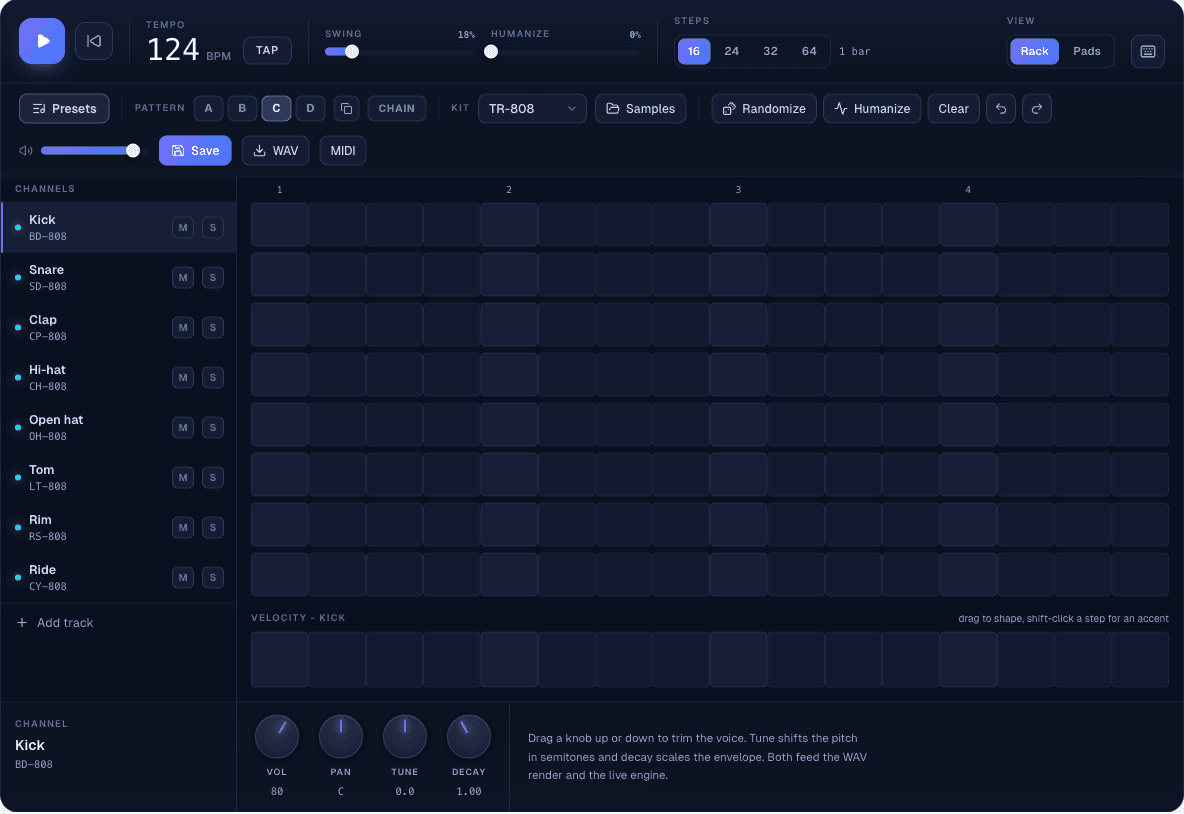
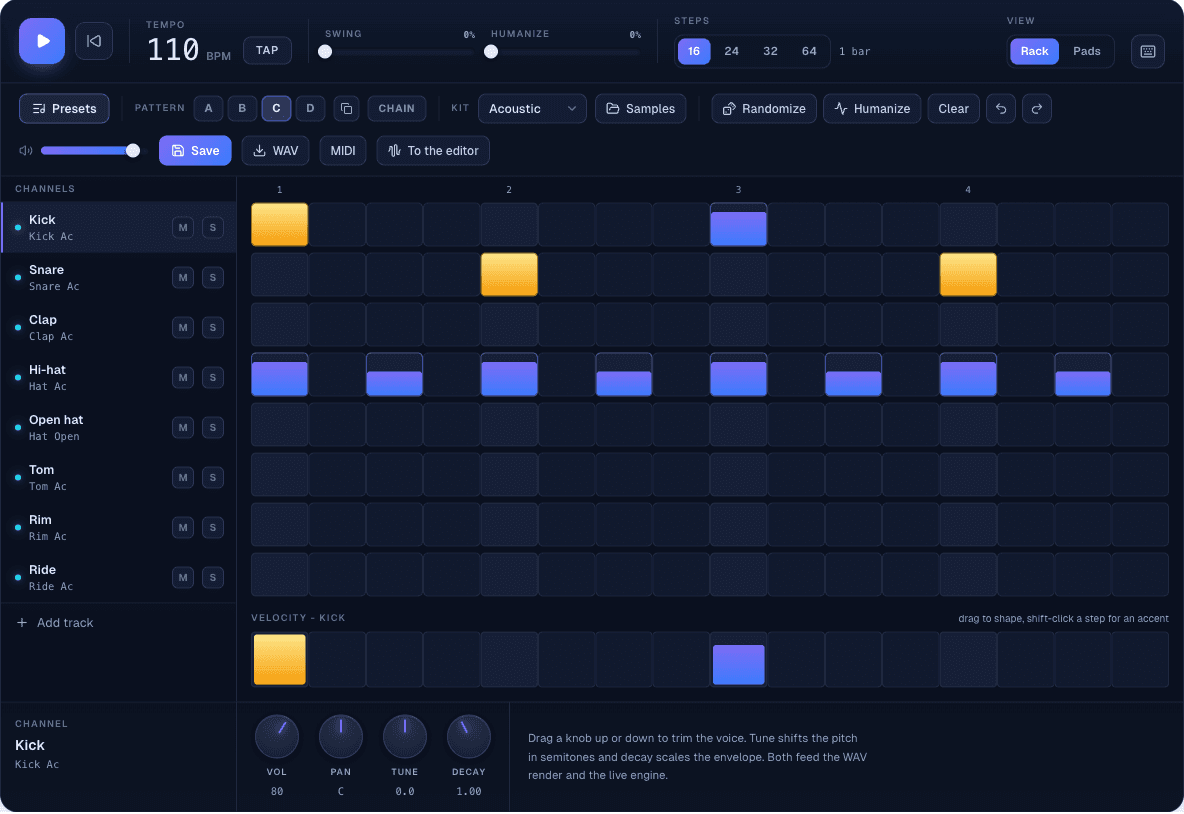
The fastest way into a real groove is the built-in "Basic rock" preset, which plays what a rock drummer would reach for without thinking about it: kick on beats 1 and 3, snare on 2 and 4, hi-hat in straight eighth notes underneath. Open Presets, pick Basic rock from the Starter group, and it loads straight into the pattern you're on. That's steps 1 and 9 for the kick, 5 and 13 for the snare, and the hi-hat lighting up every other step.
It's a small pattern, four kick and snare hits between them and eight hi-hats, and it's also most of what makes a beat recognisably a beat: a foot that lands somewhere, a backbeat that answers it, and something faster underneath holding the pulse together.
Same pattern, different kit
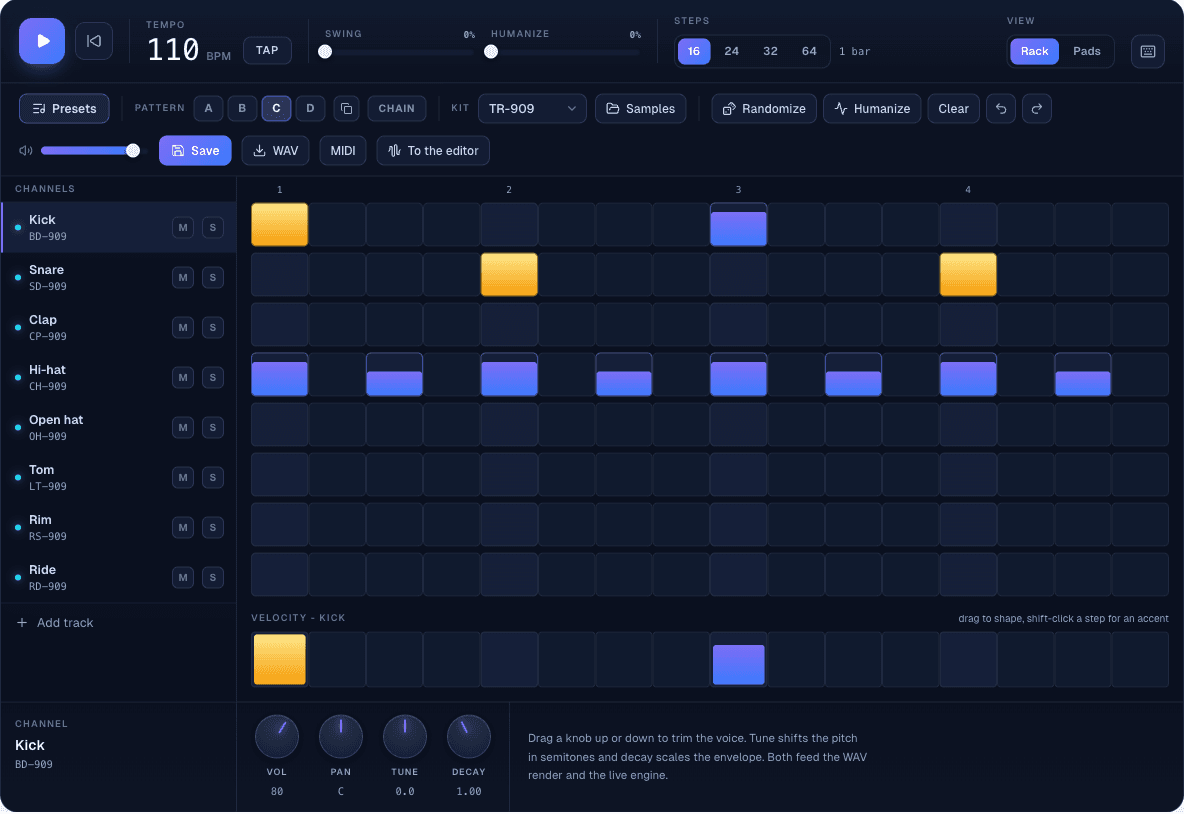
The Kit menu swaps every sound in the rack at once without touching a single step. TR-808, TR-909, Acoustic, Lo-Fi, Trap, Electro and Percussion cover ninety-one synthesised sounds between them, and switching from Acoustic to TR-909 turns the same rock pattern into a different genre's drum sound while every hit stays exactly where it was placed. It's the fastest way to hear whether a groove works better dry and acoustic or as a drum machine classic.
Presets are a starting point, not a destination
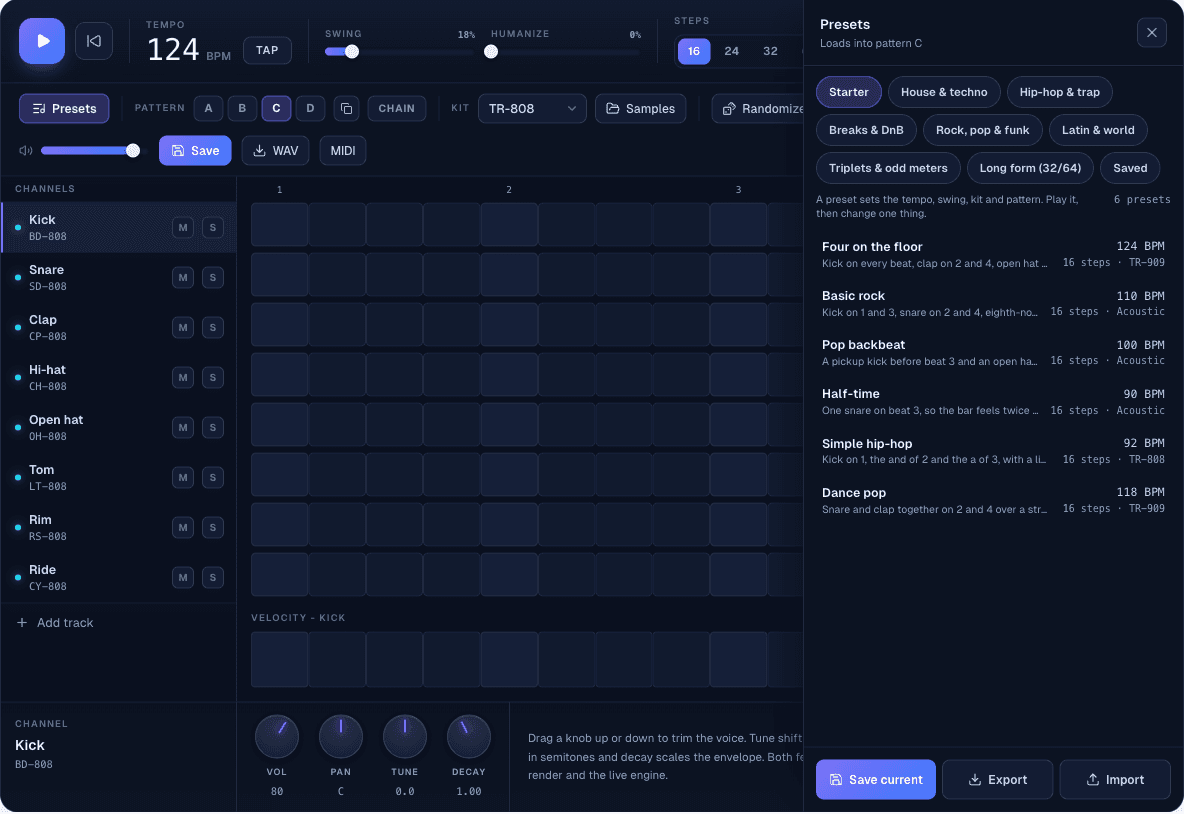
Past the Starter group sit seven more: House & techno, Hip-hop & trap, Breaks & DnB, Rock, pop & funk, Latin & world, Triplets & odd meters, and Long form for the 32- and 64-step phrases. More than fifty presets between them, from four on the floor to a jazz swing ride pattern to a four-bar trap phrase with a fill at the end, each one setting its own tempo, swing and kit along with the pattern. Loading one isn't the end of the job, it's where the actual editing starts: mute a track to hear what's carrying the groove, move one hit a step later, or pull the hi-hat's strength down on the offbeats until it stops sounding like a machine typed it.
Swing, accents and the difference between flat and human
Every step carries a velocity, not just an on or off state, and that's where a pattern stops sounding stamped out. Shift-click a step for a full accent, alt-click for a quiet ghost note, or drag across the Velocity lane under the grid to shape a whole run of hits for the selected voice, since bar height is the hit's strength. Swing delays every second sixteenth note, from a straight grid at 0%, through a triplet feel a little past halfway, to a hard shuffle at 100%, and it's the one control most likely to turn a stiff hi-hat pattern into something that lopes instead of ticks. Humanize goes further and scatters both timing and velocity by a small, random amount, so a four-bar loop stops sounding like the same four bars playing back exactly.
From the grid to a WAV or a DAW
WAV renders the current pattern twice (two bars of a one-bar loop) with the mixer settings on every track (volume, pan, tune and decay) baked in, ready to drop into the looper and play something over it. MIDI writes the same pattern as note data on the General MIDI drum map, kick on note 36, snare on 38, closed hat on 42, so any DAW places it on its own kit without manual mapping. Both exports are buttons in the toolbar, or items in the menu on a phone, and neither one needs an account.
Fifteen minutes is enough for a kick, a snare, a hi-hat pattern and a swing setting that feels right, which is already a loop worth keeping. From there, take it to the drum kit and play the same groove live instead of programming it, or open the backing track builder and put chords over a groove there.


