


Most people think an online audio editor is just for cutting files. But if you use it a bit more, it can do a lot more than that. Here are some real use cases.
1. Prepare audio for TikTok or Reels
Trim the exact part you want, add a fade in, and you're done.
2. Improve a voice recording quickly
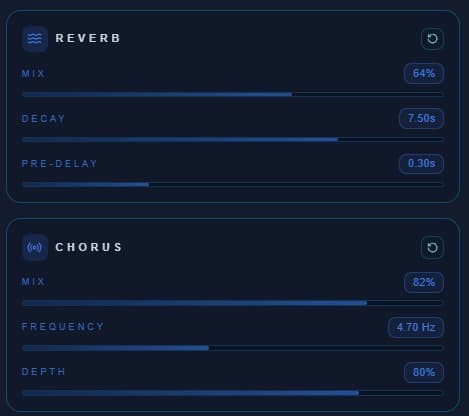
A bit of reverb or chorus can make a voice sound much better without much effort.
3. Create clean intros and endings
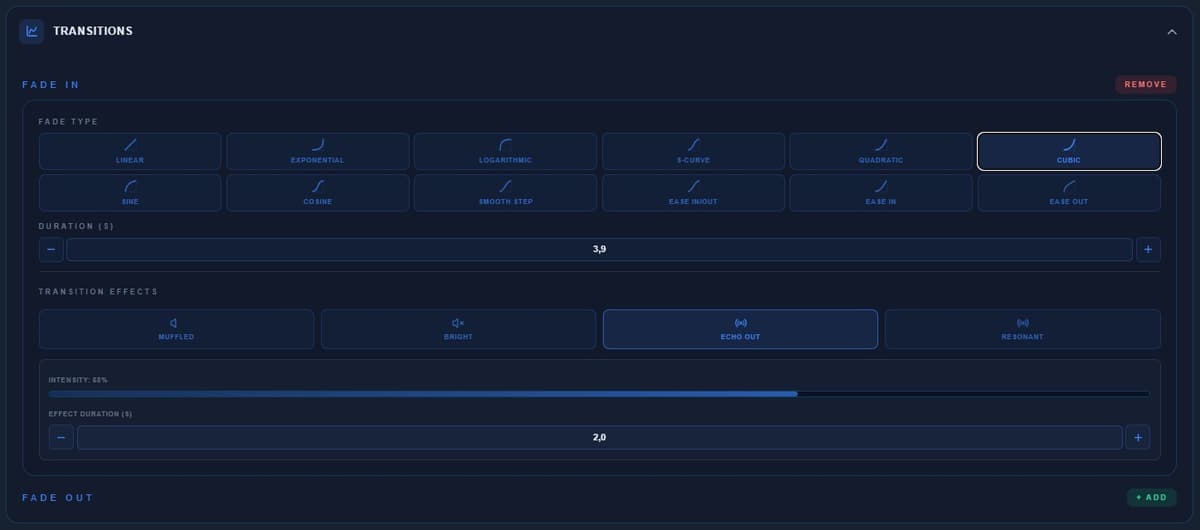
Fade in and fade out make a big difference. Great for podcasts or clips.
4. Test ideas without opening heavy software
If you're working on music, you can try things quickly without jumping into a full DAW. Upload, try effects and see if it works.
5. Analyze songs
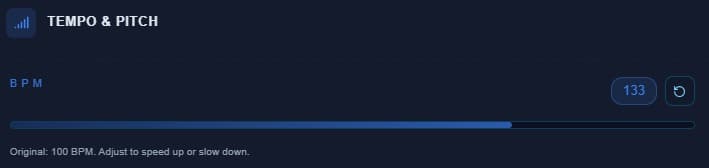
Tempo detection helps you understand how a track is structured. Useful if you're learning music.
6. Adjust loops
Cut and tweak loops so they fit properly.
7. Clean up audio
Remove silence, trim unwanted parts and make the file usable. Small details that make a real difference.
Conclusion
It's not just about cutting audio. Used properly, it's a quick way to improve sound, test ideas and get things ready without wasting time.


