


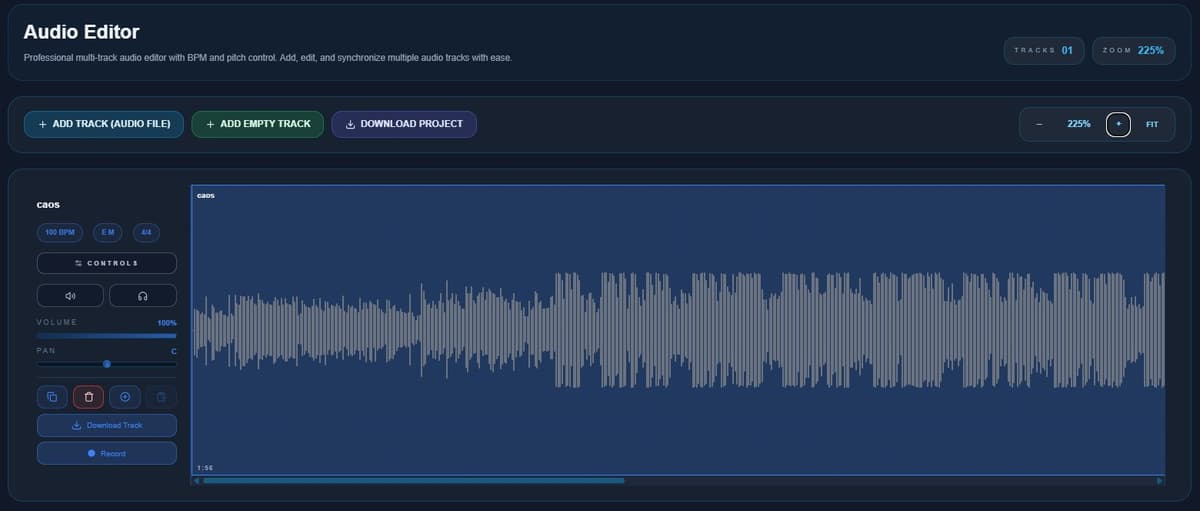
An online audio editor sounds basic at first. You upload a file, trim it, download it and that's it. But once you actually start using it, you realize there's a bit more you can do. The Audio Editor from emusic.tools is a good example. It's simple on the surface, but it has enough features to go beyond just cutting audio.
The basics
As soon as you open it, you can:
- Upload your audio
- Play it back
- Trim parts
- Adjust the start and end
- Download the result
It's quick and easy to use.

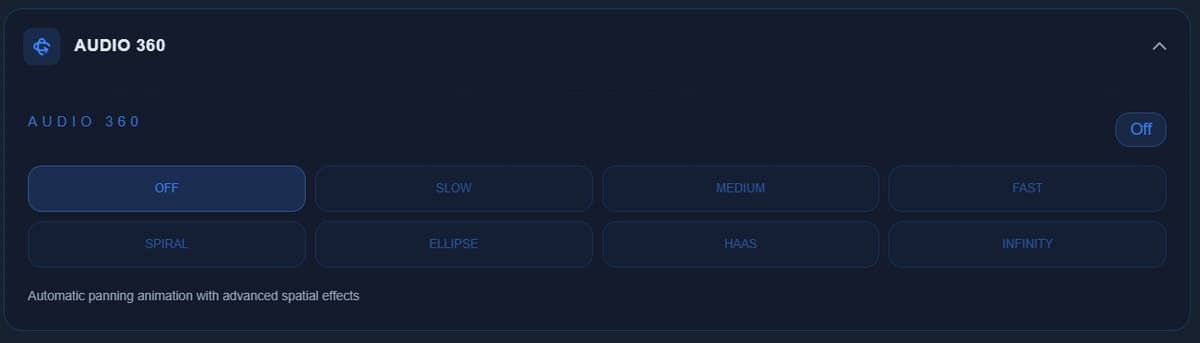
The "Controls" section
This is where most people don't even click, and it's where things get interesting.
Audio effects
You can apply effects directly to your track:
- Reverb: adds space. Makes a voice or instrument feel less flat.
- Chorus: thickens the sound a bit. Works well on vocals and guitars.
- Flanger: more noticeable, kind of a "jet" or sweeping sound.
- Phaser: similar idea, but smoother and less aggressive.
You don't need to overthink it. Just try them and listen.
Fade in / fade out
- Fade in: the audio starts gradually
- Fade out: the audio fades away
Helps avoid rough cuts and makes things sound cleaner.

Tempo detection
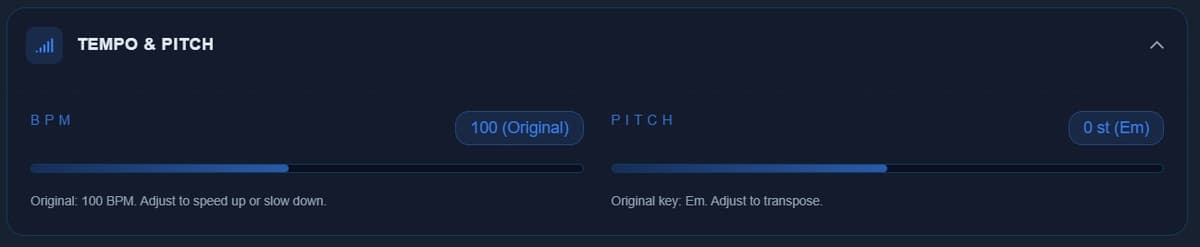
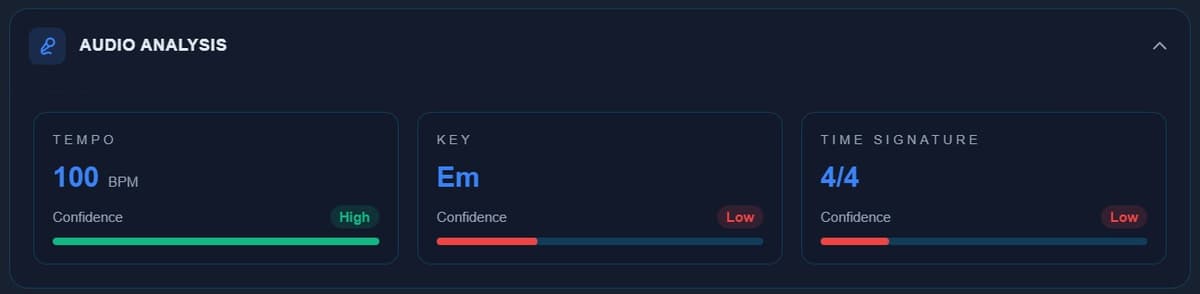
The editor can detect tempo automatically. Useful if you want to sync tracks, work with loops or analyze a song.
What it's actually good for
Beyond basic editing, you can use it to:
- Prepare audio for social media
- Test ideas quickly
- Clean up recordings
- Try effects without installing anything
Conclusion
It's not a full DAW, and it doesn't try to be. But for quick edits and simple tweaks, it does the job really well. And you don't need to install anything.


