


Professional tools like Pro Tools, Logic or Ableton can do a lot, but they also come with a learning curve. They cost money, require a decent computer and take time to master. For many everyday tasks, you don't need all that. An online audio editor can handle what you need in a much simpler way. The one from emusic.tools is a good example. It runs in your browser, is free and doesn't require an account.
What the emusic.tools audio editor is
It's a multitrack editor that works directly in your browser. You can upload your files, see them as waveforms and place them on a timeline however you like. You can adjust volume per track, move clips around and change things like tempo or pitch without leaving the tool. No installation, no sign up.
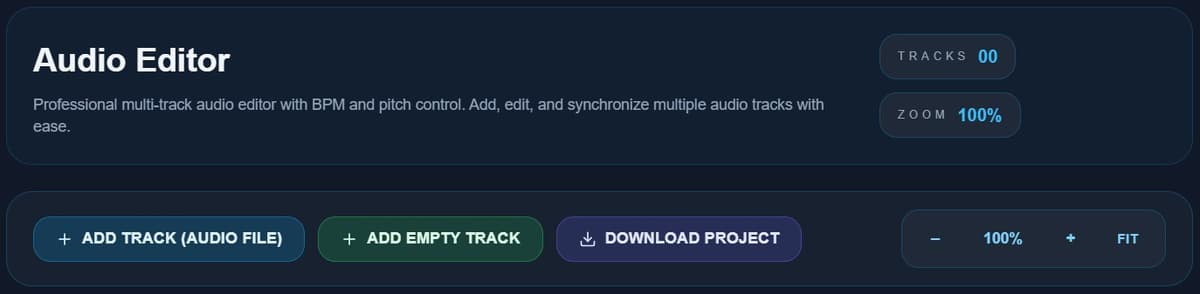
Main features
Working with multiple tracks
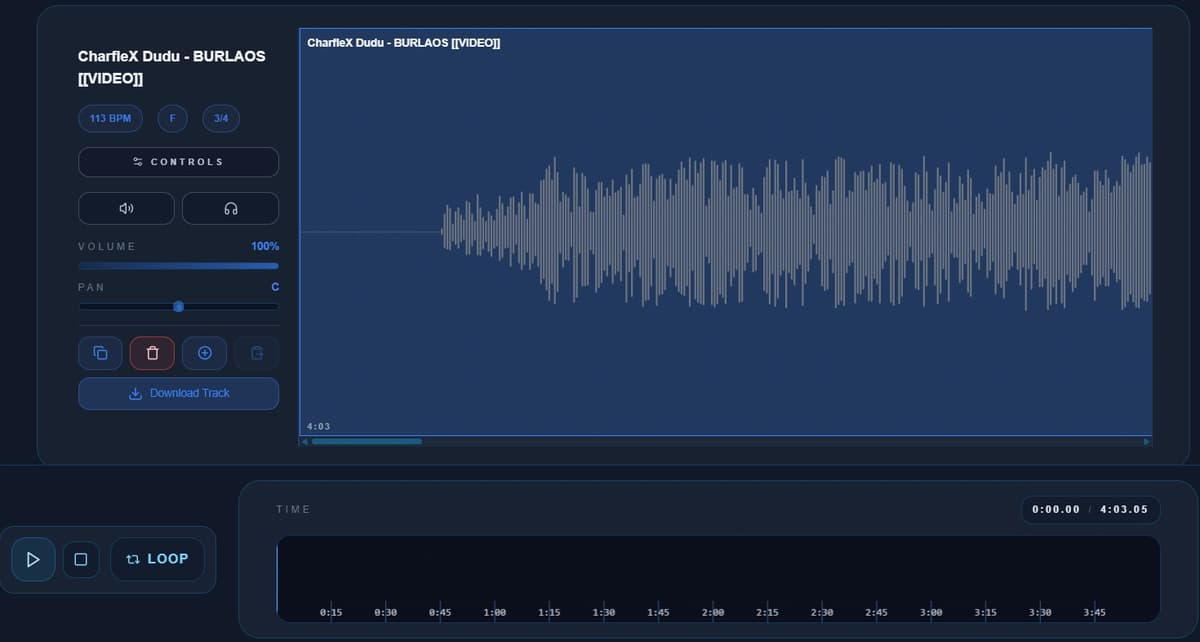
You can add several audio tracks and organize them easily. Each one is displayed as a waveform, which makes it easier to spot silence, peaks or key sections without listening through everything. This is especially useful when layering sounds.
BPM and pitch control
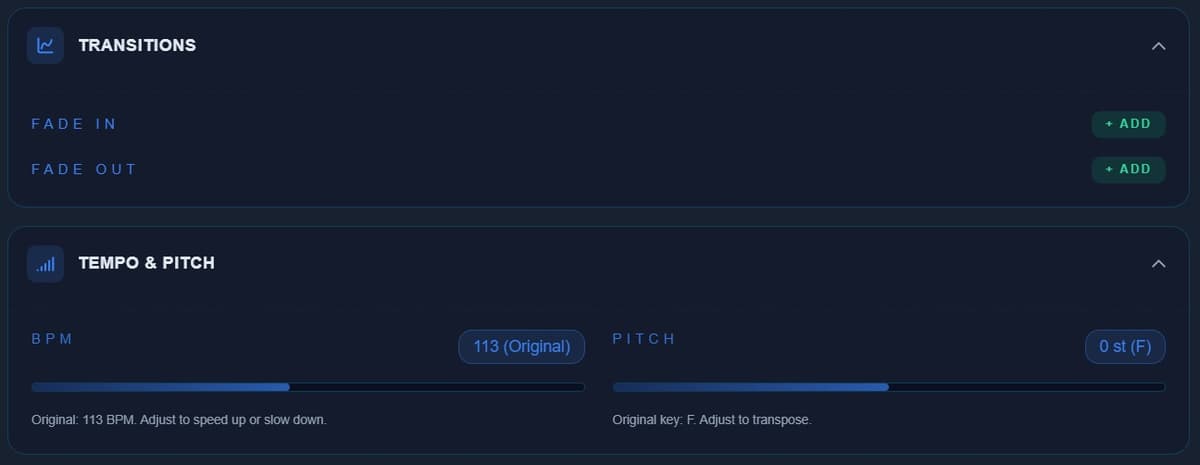
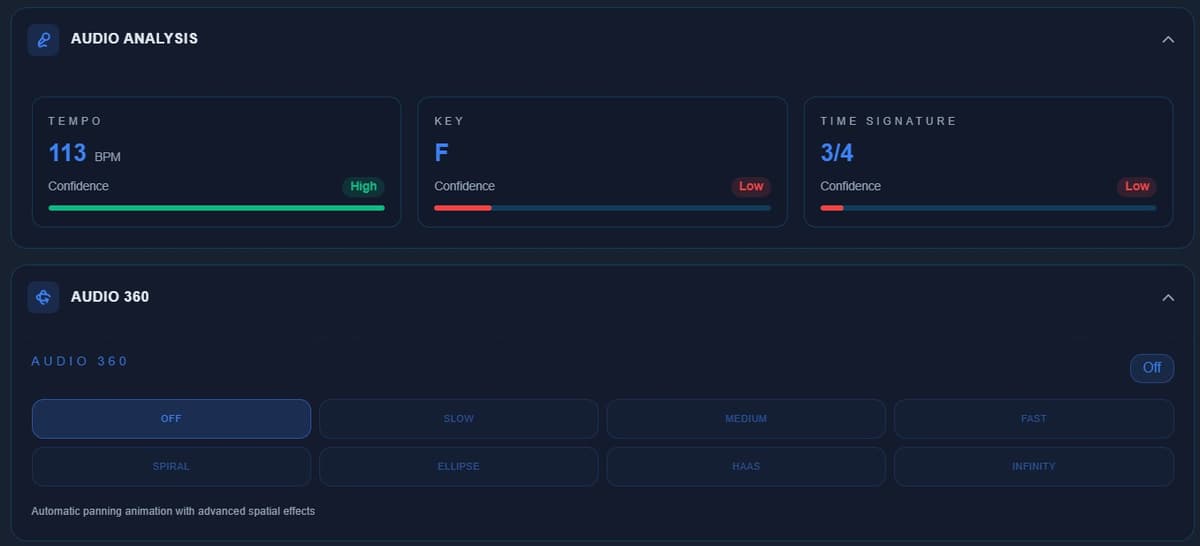
One of the most practical features. You can change the tempo or pitch of each track independently. This lets you match a sample to a specific tempo, shift a track into another key or make different layers fit together better.
Zoom and navigation
You can zoom in on the timeline for precise edits or zoom out to see the bigger picture. This helps both with detailed work and overall arrangement.
Loop and playback
Loop mode lets you repeat a section while you work on it. It's useful for checking if a loop is clean or if an edit sounds right.
Export your result
When you are done, you can download the final audio and use it anywhere.
What you can use it for
- Preparing samples: you can quickly adjust tempo and pitch before moving them into another project.
- Syncing audio: you can make different tracks line up in time, either with each other or with a video.
- Creating backing tracks: combine multiple tracks, match their keys and balance their volumes to build a custom backing track for practice.
- Basic voice or podcast editing: for simple recordings, you can see the structure, cut unwanted parts and organize everything without overcomplicating things.
Online editor or full DAW
A full DAW is necessary when you need advanced mixing, effects, MIDI recording or large projects. An online editor like this works best when you want to do something specific quickly, without installing anything or learning complex software. They're not competitors. They complement each other.
How it fits with other tools
What makes it useful is how it connects with other tools. For example, you can split a song into stems, bring them into the editor to adjust the tempo, and then use them for practice or further work. All in one place, without extra steps.
Conclusion
For quick edits, you don't need heavy software. An online editor like emusic.tools gives you what you need to work with multiple tracks, adjust tempo and pitch, and export your result in minutes. Open your browser, make your changes and you are done.


