


Audio effects might seem complicated at first, but they're not that hard once you get the idea. If you understand what each one does, you can improve any audio in seconds.
What an effect actually does
An effect changes how the sound feels. It doesn't change the notes, but it changes the texture, space or movement.
Reverb: space
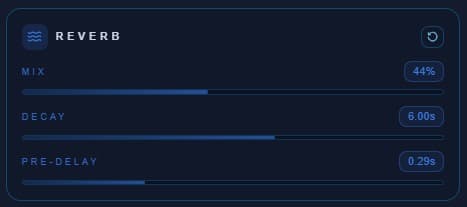
Reverb makes the sound feel like it's in a room. Use it when a voice sounds too dry or you want some depth. Don't overdo it.
Chorus: thickness
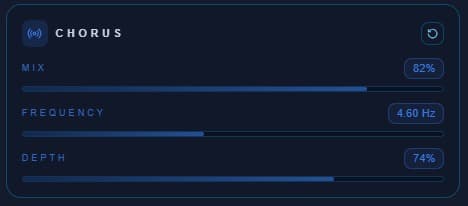
Chorus makes the sound feel wider and fuller. Good for vocals, guitars and simple sounds that need more presence.
Flanger: more noticeable
Flanger gives a stronger, more obvious effect. Works well for creative or electronic sounds.
Phaser: smoother movement
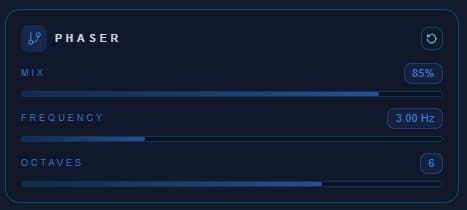
Phaser also adds movement, but in a softer way. Easier to use without overdoing it.
Common mistakes
- Using too much effect
- Not knowing what you're aiming for
- Not comparing before and after
How to try them
With an online editor, you can test everything quickly. Upload, try, listen, repeat.
Conclusion
You don't need to be a producer to use effects. Understand the basics, experiment a bit, and you'll get good results.


