


Once you split a track into stems, the real work doesn't happen during processing. It happens after, when you start using the controls. If you just press play, you're missing most of the value. The controls are where everything comes together.
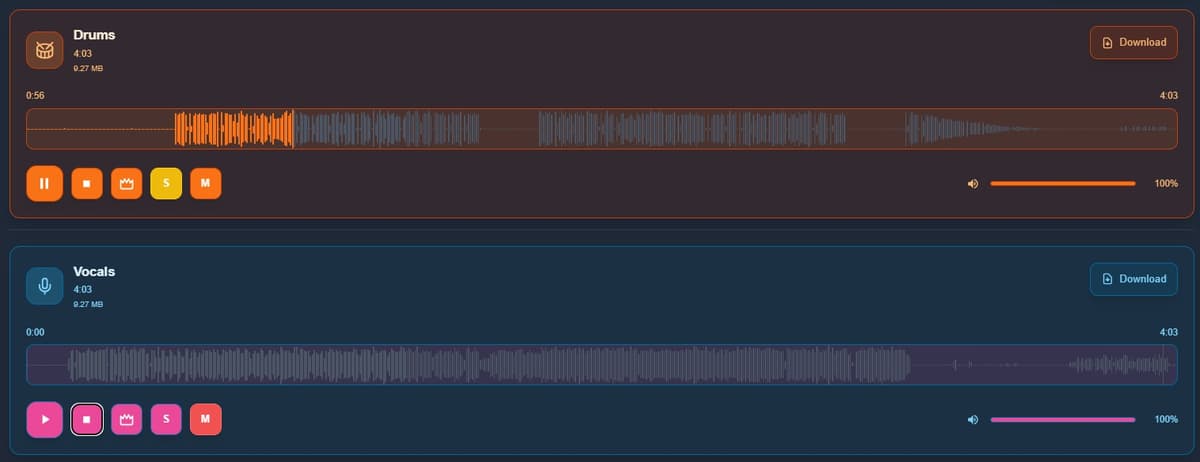
S (Solo)
The S button isolates a track. When you activate it:
- You only hear that track
- Everything else is muted automatically
Real use:
- Listen to vocals on their own
- Focus on the drum groove
- Study bass lines without distractions
It's the fastest way to understand what's happening in each stem.
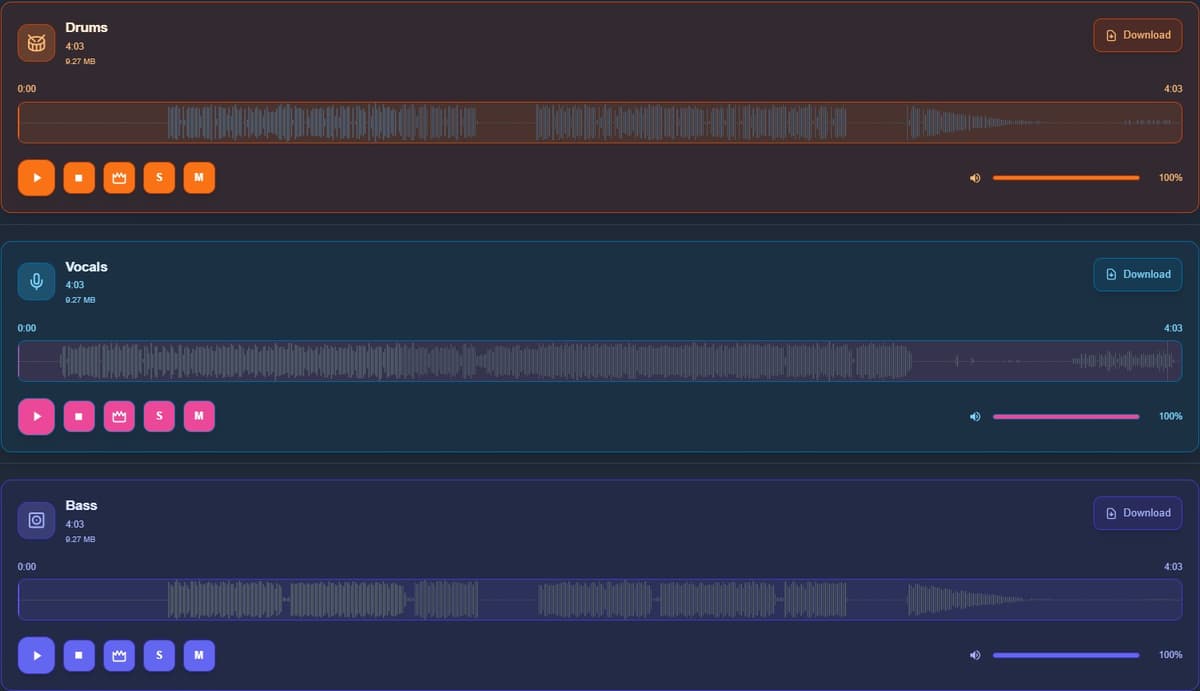
M (Mute)
The M button silences a track. When you activate it:
- That track stops playing
- Everything else keeps going
Real use:
- Remove vocals to get an instrumental
- Mute drums to focus on harmony
- Clean up the mix depending on what you need
Using them together
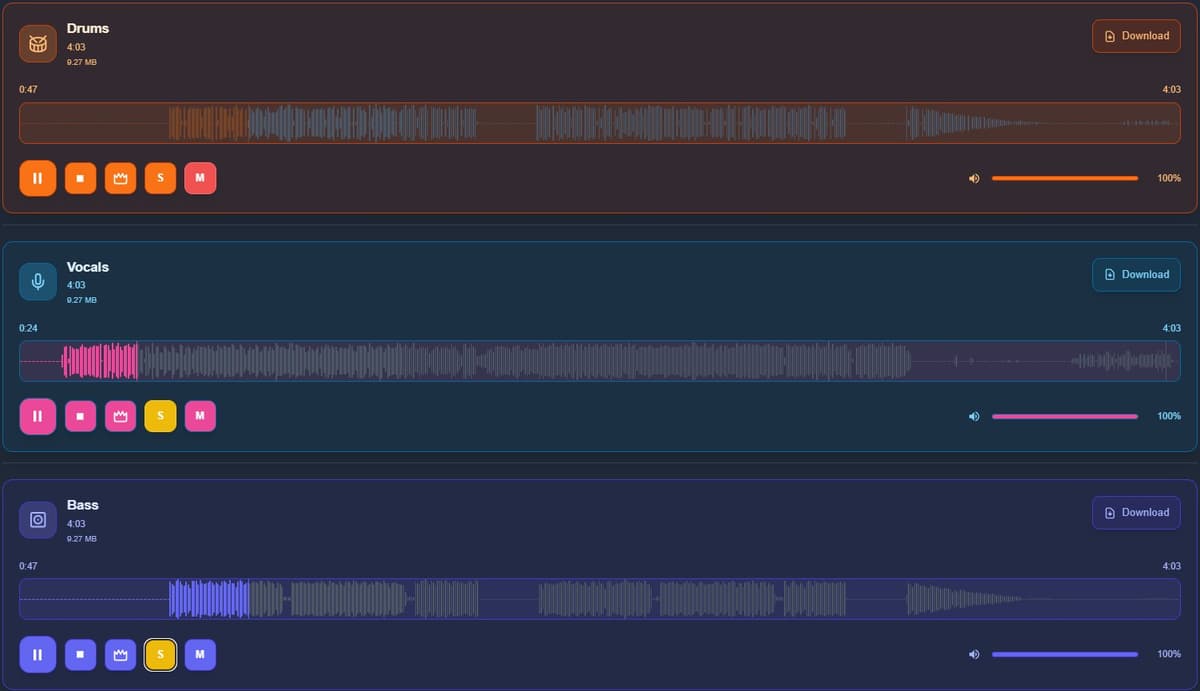
This is where it gets interesting. You can use Solo to isolate and Mute to remove multiple elements and keep a specific combination.
Example:
- Mute vocals → instrumental
- Mute vocals + drums → harmonic layer
- Solo bass → study the line
Switching between tracks is also great for ear training.
Track sync (crown icon)
The crown icon is related to track synchronization. It keeps all stems aligned in time. In practice:
- Prevents tracks from drifting out of sync
- Lets you toggle tracks without losing timing
- Keeps everything locked while switching between Solo and Mute
If you're comparing parts or playing along, this matters.
Quick recap
- S (Solo) → hear only one track
- M (Mute) → silence one track
- Crown → keeps everything in sync
With just these controls, you can isolate instruments, build instrumentals, analyze tracks or practice more effectively.


