


Ever felt like doing a cover but can't find a karaoke version anywhere? Or maybe you're trying to learn a guitar solo but the vocals keep getting in the way? Until recently, isolating tracks from a song was something only sound engineers with expensive gear could do. Now the stem separator on emusic.tools does it with AI, right in your browser, without paying anything or installing weird software.
What does "separating stems" actually mean?
In music terms, stems are the individual tracks that make up a song: vocals, drums, bass, and so on. Tools like emusic.tools use AI to "listen" to the final mix and, using smart algorithms, filter each sound so you can get every part separately. It almost feels like magic, but there's a lot of tech behind it.
What can you actually use this for?
- Make your own karaoke tracks: Remove the vocals and you've got the instrumental ready
- Practice your instrument: Mute the original guitar or bass and play along with the band
- Learn vocal harmonies: Isolate the vocal track and catch every detail
- Sampling: If you produce music, you can grab vocal phrases or drum loops for your own tracks
Quick guide: how to use the emusic.tools separator
No sign-up to separate a song, nothing to set up. It's that simple:
Step 1: Go to the website
Head over to emusic.tools and find "Stem Separation" in the menu.
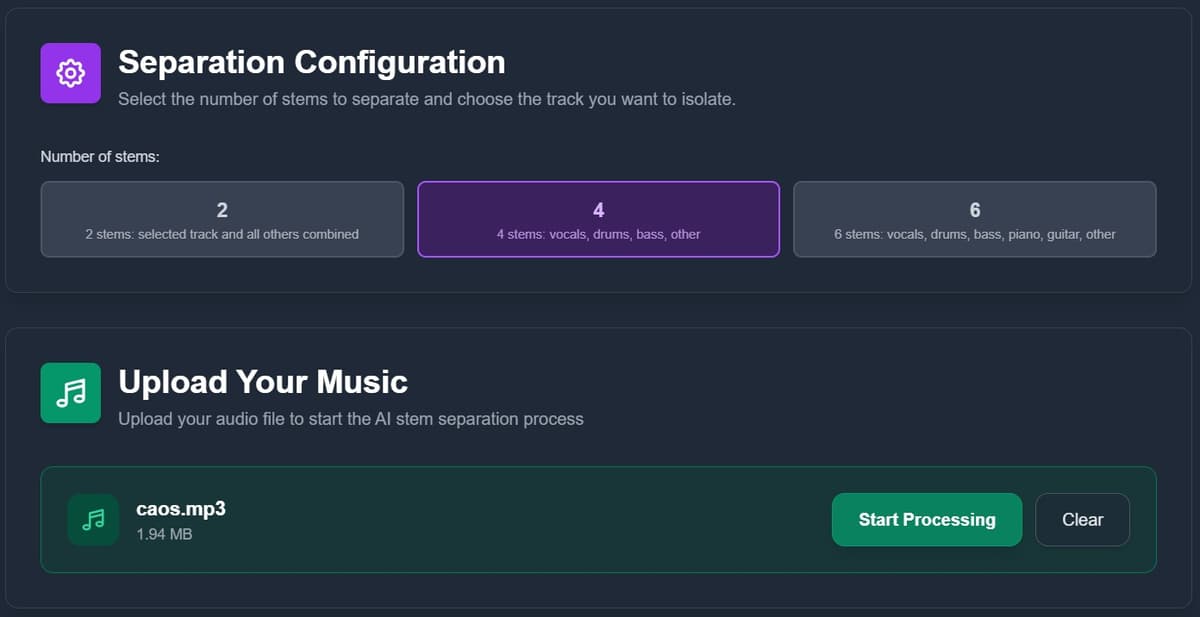
Step 2: Upload your track
Drag and drop your MP3 or WAV file.
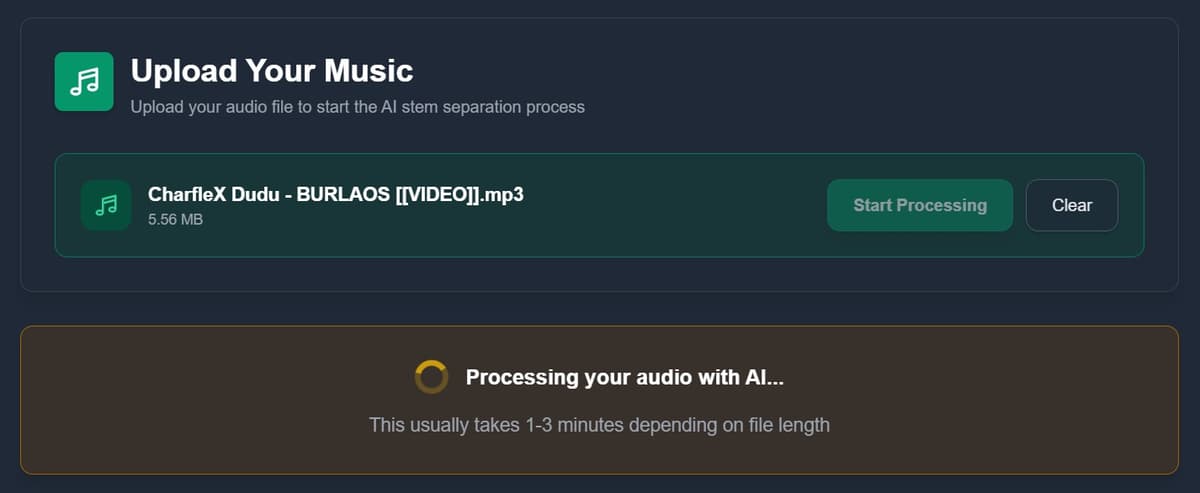
Step 3: Let the AI do its thing
It only takes a few minutes to process.
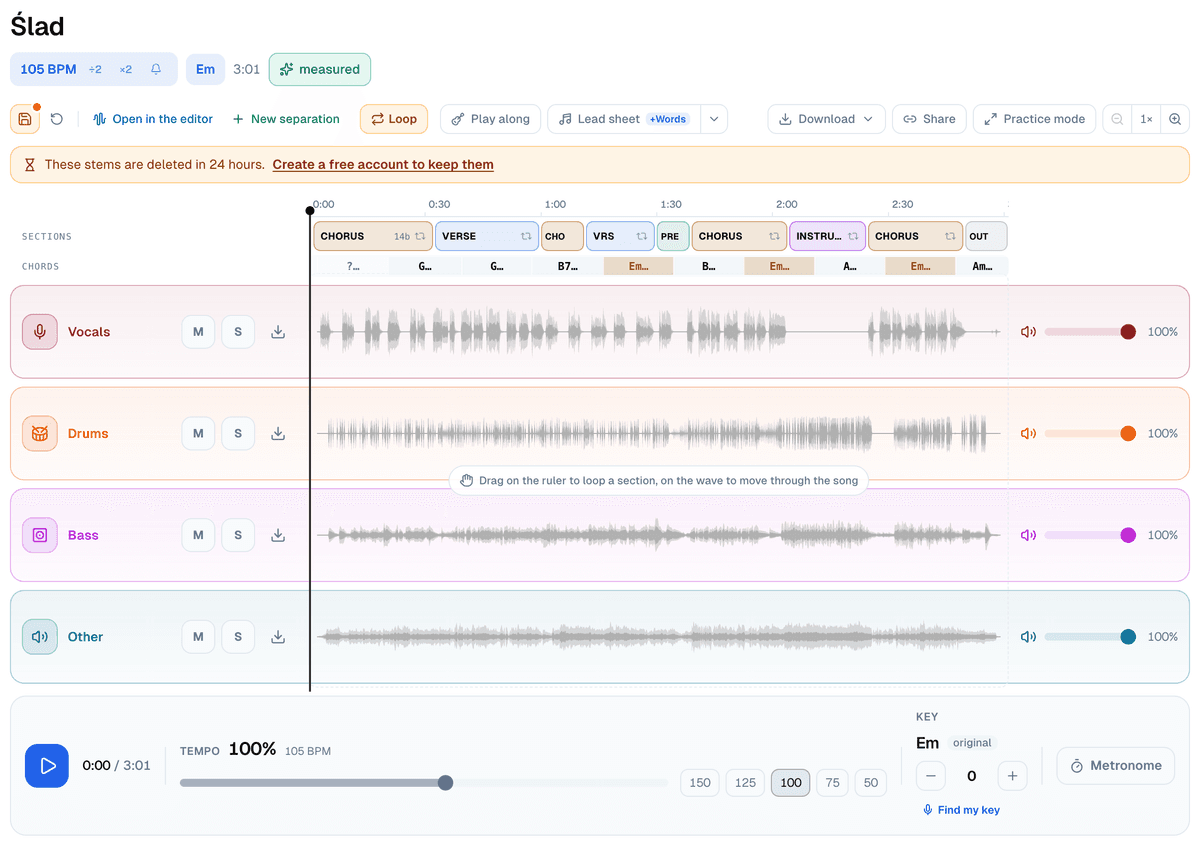
Step 4: Listen, practise, download
When it's done, a practice screen opens with every stem on its own lane. Mute the vocals and you have the instrumental; solo the drums to hear them on their own. That part needs no account. To save the stems as files, one at a time, all of them in a ZIP, or the mix you've set up, you need a free account.
Does it actually sound good?
If the song is well produced and not overloaded with effects, the results can be surprisingly good. Sure, in very dense mixes or older recordings you might hear some artifacts, but for practice, teaching, or casual remixes, it's more than good enough.
A couple of ideas to get the most out of it
- If you're a music teacher: You can isolate parts so students better understand how instruments work together.
- If you're a DJ: It's one of the fastest ways to get acapellas for your sets.
- Watch out for copyright: The tool itself is perfectly fine to use, but if you plan to use the audio publicly or commercially, the rights still belong to the original artist.
Conclusion
You don't have to settle for locked audio files anymore. Go to the stem separator, upload your track, and start playing around with it. It's free and pretty addictive.


