


Making a cover of a song you like is one of the most satisfying things you can do. It can also feel intimidating if you don't have a studio, expensive gear or much experience. The reality is you can get a solid result with what you already have and a few online tools. Here is a simple step by step approach.
Step 1: Choose the song and understand it
Before playing anything, really listen to the song. Pay attention to how it's structured: intro, verses, chorus, bridge, ending. Try to figure out the key and the approximate tempo. If you are not sure yet, that's fine, you can sort it out later. Most important, pick a song you actually enjoy. That makes a big difference in how the final result feels.
Step 2: Get the instrumental
You need a version of the track without the part you are going to perform. There are two main ways to do this:
- Option A: karaoke or instrumental. Search for ready-made versions. You can usually find them on YouTube or streaming platforms by adding "karaoke" or "instrumental" to the song name.
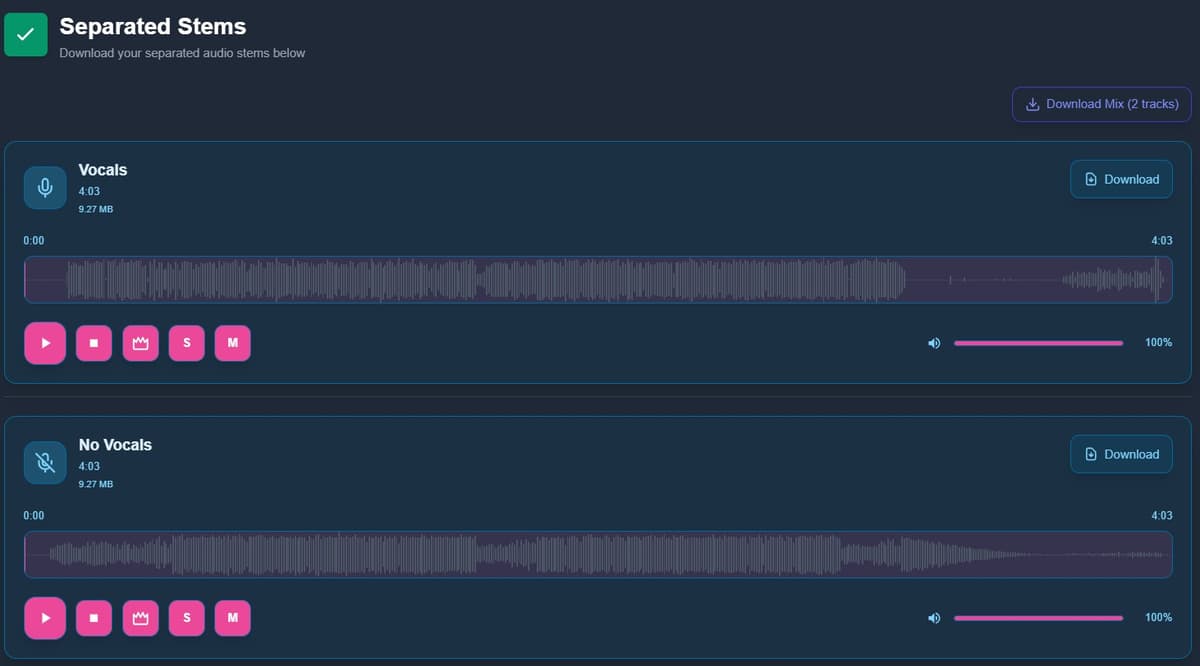
- Option B: separate the tracks. If you can't find a good version, you can split the original song into parts. Some tools let you remove vocals and keep the instrumental, or isolate drums, bass and other elements.
Step 3: Tune before you start
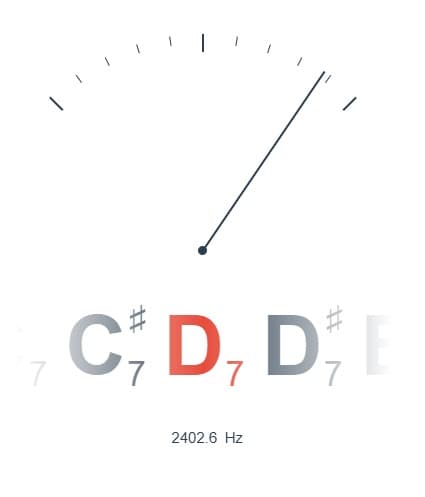
It sounds obvious, but it's one of the most common mistakes. Even a good performance falls apart if it's out of tune. Use a tuner, check every string or note and make sure everything is properly tuned. If you play keys, make sure they're set to standard tuning.
Step 4: Learn your part properly
Once your base is ready and your instrument is in tune, it's time to practice. Listen to the original track several times, work out the chords or melody and take it step by step. If you don't have sheet music, you can figure things out by ear. Rhythm is key here. Practice with a metronome. Start slower than the original and gradually increase the speed. This is where the difference between a tight cover and a messy one really shows.
Step 5: Adjust the key if needed
Not every song sits comfortably in every key. If certain notes feel out of reach or awkward, transpose the track. You can shift the pitch up or down without changing the tempo. This makes it easier to adapt the song to your voice or instrument.

Step 6: Record
You don't need a studio for this. A smartphone with decent audio or a computer with a microphone is enough to get started. Use headphones to listen to the instrumental while recording so it doesn't bleed into your take. If you are recording vocals, keep a bit of distance from the mic to avoid harsh plosive sounds. Record several takes and pick the best one.
Step 7: Adjust and mix
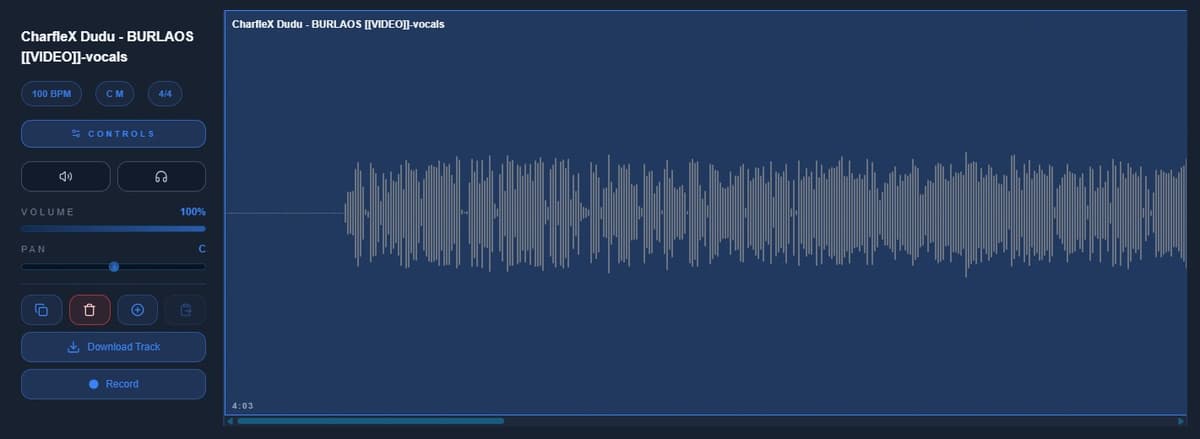
Once you have your recording, combine it with the instrumental. Balance the volume between tracks, check that everything lines up in time and make small adjustments if needed. You don't need a complex mix. If it sounds clear and balanced, it works.
Conclusion
You can make a solid cover at home without spending money on professional gear. With a good instrumental, a tuned instrument, some practice and a clean recording, you can get very decent results. The only thing you can't replace is the time you put into it. The more you practice, the better it will sound.


