


Rhythm is the backbone of music. No matter how good you sound or how fast your fingers move, if your timing is off, the whole song falls apart. The tool you need to fix this is a metronome, and these days you don't have to buy a bulky wooden one or spend 30 euros on a digital device. You can use a solid one straight from your browser.
Why you should use a metronome (even if you don't feel like it)
A lot of musicians say a metronome kills their feel or makes them sound robotic. In reality, it's the opposite. The best players in the world are the ones who use it the most. It doesn't limit you, it gives you a solid base so you can be more expressive later on.
Understanding BPM: how fast are you playing?
BPM (beats per minute) is the pulse of the music. The higher the number, the faster the tempo.
- 40 to 60 BPM: Very slow. Great for working on precision
- 60 to 90 BPM: Relaxed tempos, ballads, or learning new parts
- 90 to 120 BPM: Standard pop and laid-back rock
- 120 to 160 BPM: Upbeat, dance, or heavier rock
- 160+ BPM: Flat out. Metal, punk, or fast solos
How to set up the emusic.tools metronome
It's really simple:
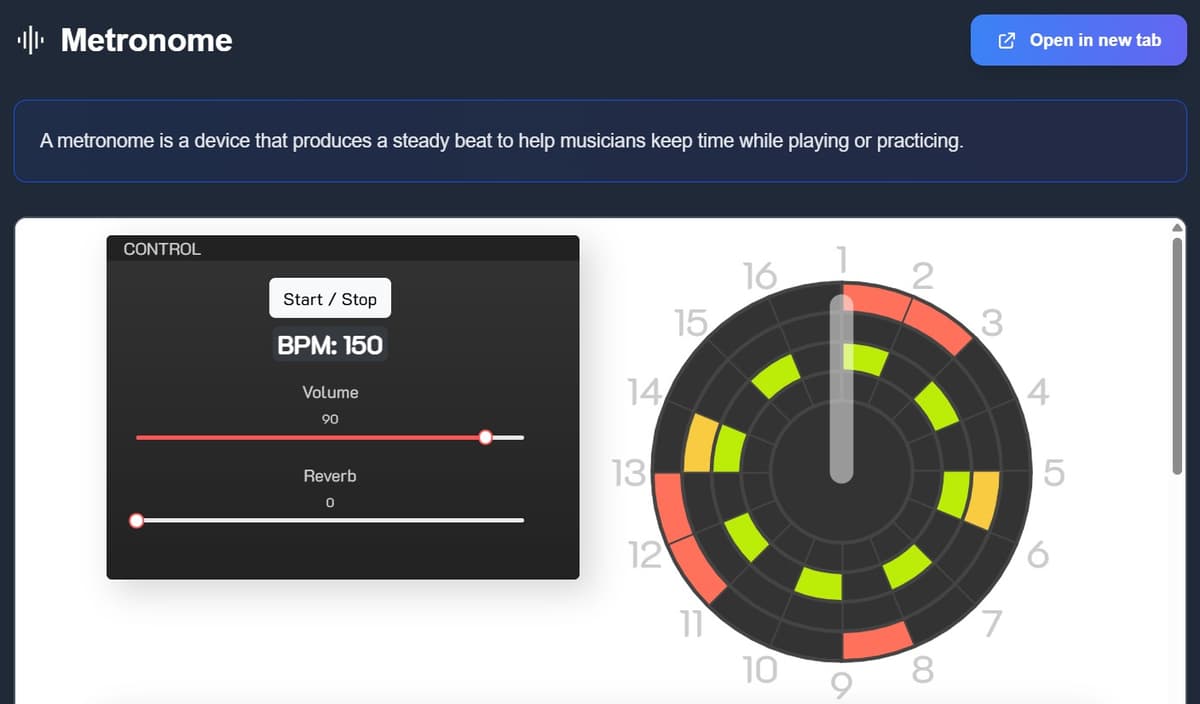
Step 1: Set the tempo
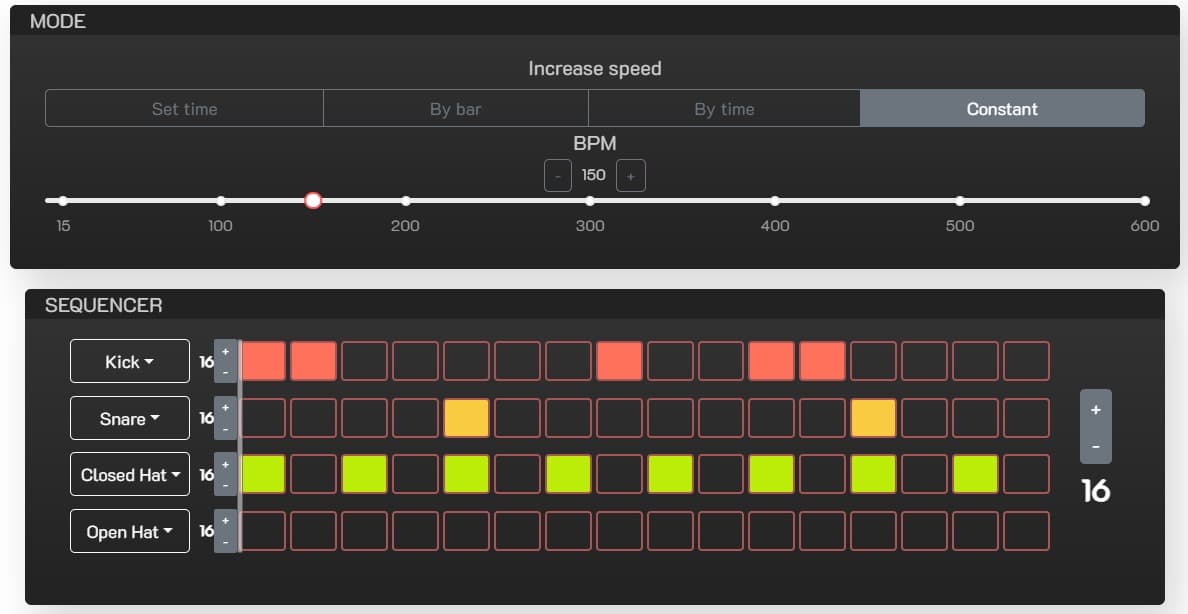
Go to emusic.tools, open the metronome, and adjust the slider or use the plus and minus buttons until you find your BPM.
Step 2: Pick the time signature
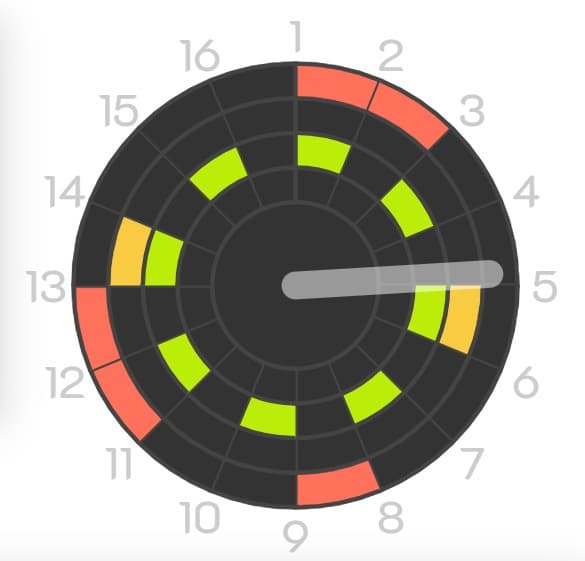
Are you playing a waltz in 3/4 or a rock groove in 4/4? Set it so the first beat stands out and keeps you in time.

Step 3: Hit play
Start playing and try to land your notes right on the click. It can feel frustrating at first, but you get used to it quickly.
3 tricks to improve faster
- Build it step by step: Don't try to play at 120 BPM if you can't do it clean at 80. Start slow, get it right, then increase by 5 BPM. It feels slow, but it works.
- Clicks on 2 and 4: If you're more advanced, set the metronome to click on beats 2 and 4, like a snare drum. It gives you a great groove, especially for jazz or funk.
- With it and without it: Once you feel comfortable with the metronome, turn it off and try to keep the same tempo on your own. If you start speeding up, turn it back on.
Common mistakes everyone makes
- Going too fast: Starting at full speed is the most common mistake. Drop it to around 60 percent and build from there.
- Ignoring timing drift: If you fall off the click, stop. Don't try to chase it. Reset and start again, maybe a bit slower.
- Thinking it's only for beginners: A metronome is like going to the gym. It keeps your technique in shape. Professionals use it all the time.
Conclusion
Having solid timing is one of the best things you can do as a musician. With the free metronome on emusic.tools, you've got a pro tool in your pocket. No more excuses for bad timing.


